
 Plagiarism Checker
 Paraphrasing Tool
 Grammar Checker
 Essay Title Generator
 AI Detector
 AI Humanizer
 AI Citation Generator
 Text Summarizer
 AI Sentence Rewriter
 Essay Checker
 Online Proofreader
 Comma Splice Checker
 Passive Voice Checker
 Sentence Fragment Checker
 Run-on Sentence Checker
 Readability Checker
 Tone Checker


- Plagiarism Checker
- Paraphrasing Tool
- Grammar Checker
- Essay Title Generator
- AI Detector
- AI Humanizer
- AI Citation Generator
- Text Summarizer
- AI Sentence Rewriter
- Essay Checker
- Online Proofreader
- Comma Splice Checker
- Passive Voice Checker
- Sentence Fragment Checker
- Run-on Sentence Checker
- Readability Checker
- Tone Checker

Paraphrasing Tool
Rephrase sentences, improve clarity, and adjust sentence structure and vocabulary with CopyChecker's AI paraphraser tool.


The results will be displayed here
Trusted By Industry Leaders










How To Paraphrase Text

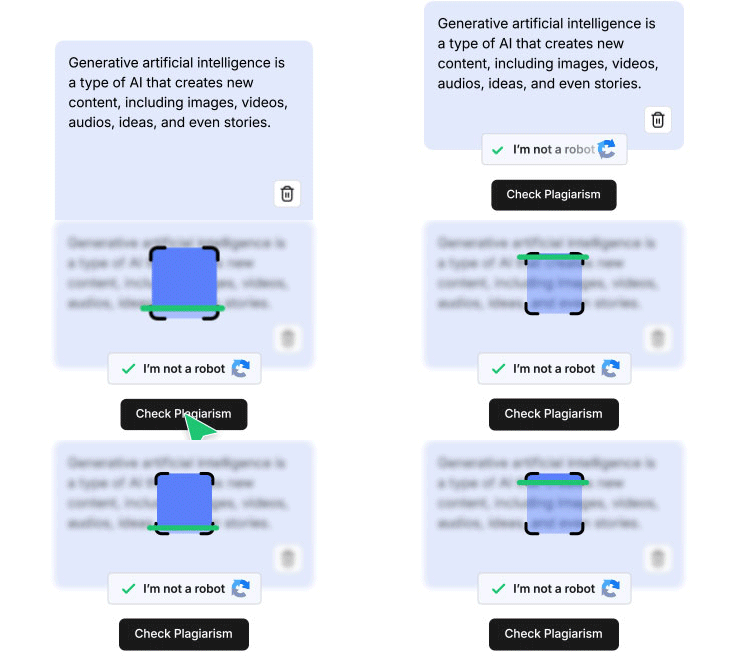
Paste Your Text
Paste your text or type directly into CopyChecker’s rephraser. Or upload a text file to start—whatever works.
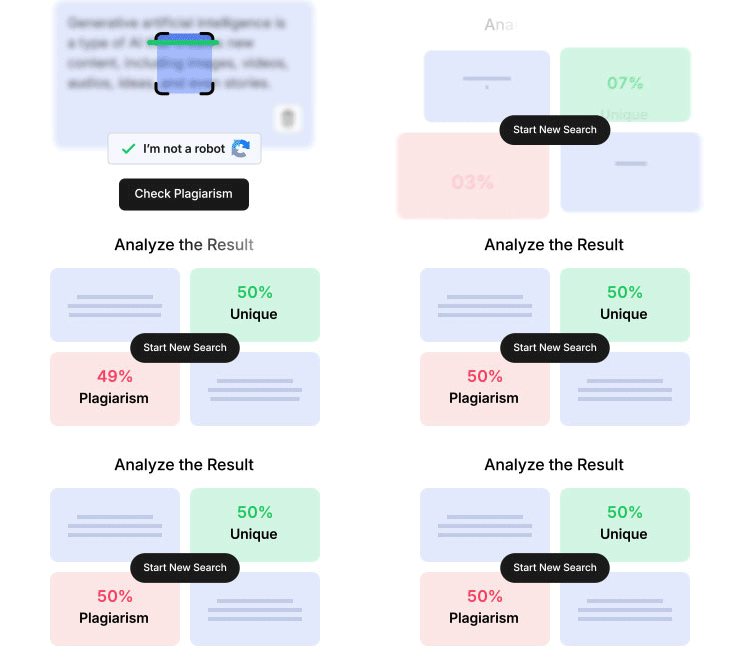
Click Paraphrase
Choose your preferred paraphrasing mode, then hit the “Paraphrase” button. It only takes a couple of seconds.
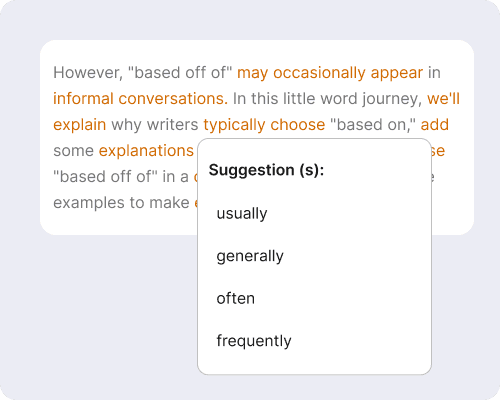
Review and Fine-tune
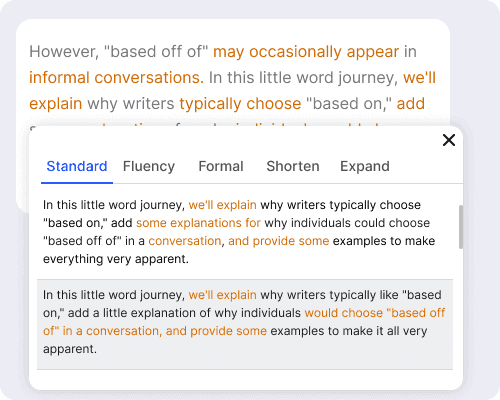
Check out the paraphrased version on the right. Want to tweak something? Click any word to see synonyms, or rephrase a full sentence with one click. Keep refining until it's exactly what you need.
The Best Online Paraphraser
CopyChecker's paraphraser is a powerful rewording tool that keep the original meaning intact and your writing natural.

One-Click Paraphrasing
Get fresh phrasing with one click. Our online paraphrasing tool changes the wording while keeping your core message intact.

Multiple Rephrasing Modes
Adjust tone and style for different audiences with multiple paraphrasing modes. Choose formal for professional documents, fluent for smooth readability, or casual for everyday content. Pick the mode that fits your needs.

Fine-Tune After Paraphrasing
Tweak the paraphrased text as many times as you want until it's exactly right. Click any word to see synonym alternatives, or click an entire sentence to generate it again.

Bypass AI Detectors
Check generated content with our free AI checker designed to recognize patterns and outputs from all foundational and major AI models like ChatGPT, Gemini, Grok, DeepSeek, Claude, Mistral, Llama, and more.

Adjust Paraphrased Text Length
Paraphrase content to make it longer for in-depth explanations or to condense a wordy sentence by adjusting text length.

Rewrite in Multiple Languages
Work across multiple languages without getting lost in translation. Rephrase content without losing clarity or introducing translation errors.
How CopyChecker’s Rephrase Tool Works
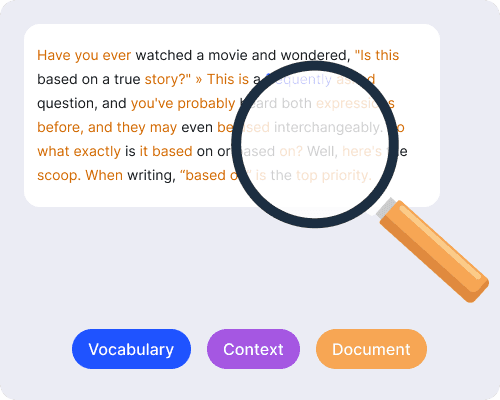
Analyzes Text Structure
When you input text, the NLP system analyzes the structure, vocabulary, and intended meaning behind every sentence. It identifies key concepts, recognizes relationships between words, and infers context to understand what you're actually saying.
Rewrites with Natural Language
Our AI rephraser replaces words with appropriate synonyms, restructures sentences, and adjusts phrasing. It doesn't just swap words randomly—it considers context to ensure the reworded version makes sense and flows naturally.
Preserves Original Meaning
Throughout the rewriting process, it checks that your core message stays intact. The AI balances fresh phrasing with accurate meaning, so the output sounds human-written.
Why Paraphrase Your Text
Paraphrasing your text helps avoid plagiarism by rephrasing ideas in your own words.

Find a Better Angle
Find fresh perspectives on a topic in seconds. You might stumble upon a clearer way to explain something or find a phrasing that resonates better with readers.

Improve Writing Skills
Improve your writing with a word paraphrasing tool. Find synonyms and how your text can be rewritten using different vocabulary, tone, and phrasing.

Save Time
Rewrite faster instead of tediously typing away at your keyword to save time. What used to take hours can now be done with one click.

Write Clearer
Write content that's readable even when working on complex technical documents or dense topics. Simplify anything with an AI paraphraser to present your ideas clearly.

Avoid Plagiarism
Write content that's a 100% unique and original with our AI text rephraser and eliminate plagiarism.

Bypass AI Detectors
Rephrase the AI-generated text to make it sound more natural and human by removing overused AI writing patterns.
Who Uses Our Paraphraser
Write better essays and submit assignments on time with our academic paraphrasing tool.

Students
Write better essays and submit assignments on time with our academic paraphrasing tool.
Copywriters
Find a cool new hook, or a different angle for marketing copy online and beat writer’s block.
Lawyers
Simplify complex legal documents, contracts, and more with CopyChecker’s word paraphrasing tool.

Professors
Create course materials, handouts, and lecture notes, and quickly produce examination questions and academic papers.

Researchers
Harmonize literature and explain concepts in your papers in your own words.

Journalist
Present facts accurately and write in your publisher's voice with this advanced paraphrasing tool.
Tips for Paraphrasing & Quoting Sources
Create something truly unique by combining effective paraphrasing techniques with CopyChecker’s paraphraser.
Understand Before You Rewrite
The first order of business is to understand the text yourself. Read it multiple times if needed until you fully understand what is being said.
Review and Edit Thoughtfully
Once you understand the material, write it in your own words. You can use a paraphrasing generator for better phrasing.
Always Cite Your Sources
Never forget to cite your sources. Citing gives you credibility and reduces the chances of plagiarism. Use our free citation generator to format references easily and accurately.
CopyChecker’s Complete Writing Suite


Frequently Asked Questions
Paraphrasing means rewriting text in your own words while keeping the same meaning. Instead of quoting someone directly, you express their idea in your own words. It's a way to use information from sources without copying them word-for-word.
It saves you time and gives you fresh ways to express ideas. Instead of manually changing phrasing, you can simply paste your text to get instant alternatives.
Absolutely. Our paraphraser restructures sentences to make monotonous AI-generated text sound more natural, engaging, and human-like.
Paraphrasing means rewriting a passage using different words while keeping the same meaning and level of detail. In contrast, summarizing means shortening a text by focusing on the main ideas and omitting less important details.
Not if you use it responsibly. Paraphrasing becomes problematic only if you use it to reword someone else's work without proper attribution or citation.
Paraphrasing can still count as plagiarism if you closely mimic the original wording or ideas without citing the source. Proper citation is essential when using information from others.
Yes. You can use our AI paraphraser for free without creating an account or purchasing a subscription.
Yes. Whenever you use information, ideas, or research from another source, you should provide proper citations, even if the text has been paraphrased.
Paraphrasing Tool In Other Languages
 English - Paraphrasing Tool
 Español - Parafrasear
 Indonesian - Parafrase
 Deutsch - Text Umschreiben
 Português - Parafrasear Texto
 日本語 - 言い換えツール
 Melayu - Alat Parafrasa
 ไทย - ถอดความ
 Türkçe - Paragraf Değiştirici
 Italiano - Parafrasi
 Français - Reformuler un Texte
 中文 - 改写工具
 Русский - Перефразировать Текст

