Plagiarism Checker
 Paraphrasing Tool
 Grammar Checker
 Essay Title Generator
 AI Detector
 AI Humanizer
 AI Citation Generator
 Text Summarizer
 AI Sentence Rewriter
 Essay Checker
 Online Proofreader
 Comma Splice Checker
 Passive Voice Checker
 Sentence Fragment Checker
 Run-on Sentence Checker
 Readability Checker
 Tone Checker


- Plagiarism Checker
- Paraphrasing Tool
- Grammar Checker
- Essay Title Generator
- AI Detector
- AI Humanizer
- AI Citation Generator
- Text Summarizer
- AI Sentence Rewriter
- Essay Checker
- Online Proofreader
- Comma Splice Checker
- Passive Voice Checker
- Sentence Fragment Checker
- Run-on Sentence Checker
- Readability Checker
- Tone Checker

Free Word Counter
Check the word count of any content online for free with CopyChecker’s Word Counter. Simply paste your text or upload a document to get accurate, real-time results.

0
Words

0
Characters

0
Sentences

0
Paragraphs


Continue with your current text
No need to paste it again.


Trusted By Industry Leaders










What is a Word Counter?
A word counter is a tool that calculates the number of words in a piece of text. You can type or paste your content into our tool displays the total word count in real time.
A word count checker usually counts the total number of words. When you want to check how many words are in your content, all you need to do is paste or upload your content; our tool does the rest.
It takes the boring task of tracking word count in documents, websites, articles, and more and makes it a super easy process. Settle debates, like whether hyphenated words count as one word or two. Our tool accurately counts them, and also tells you how many words in a paragraph with and without spaces.
How to Check Word Count

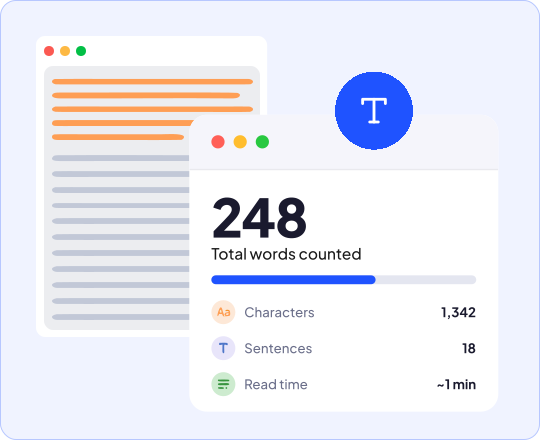
Paste Text
Paste your content into our online word counter or type in your text.
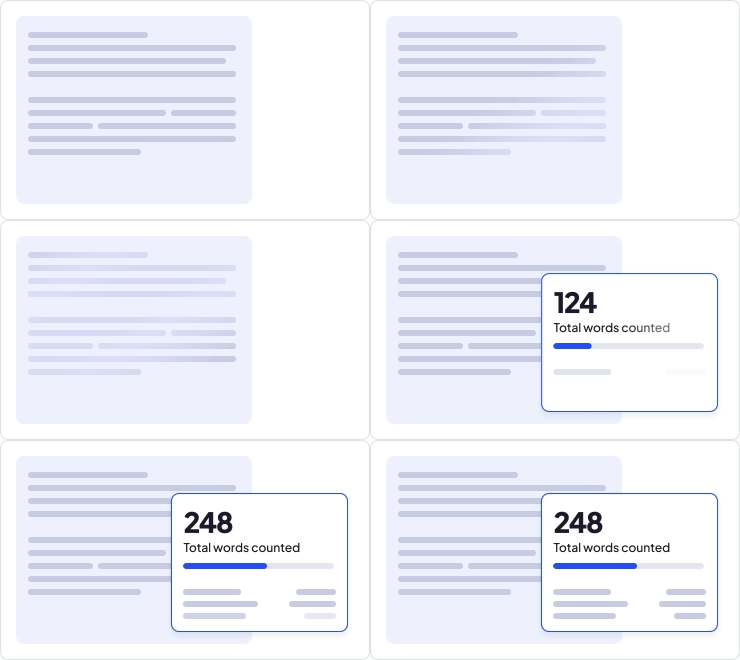
View Word Count
See the word count in real-time along with all other important text statistics.
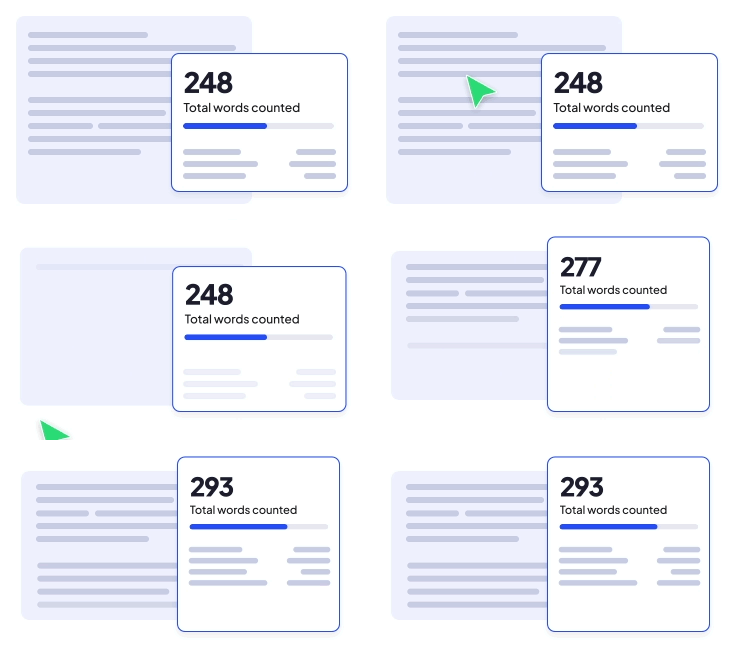
Edit & Recheck
You can also edit your text if you want to make changes by clicking right on the input text and see the word length counter update instantly.
Features of CopyChecker's Online Word Counter
CopyChecker is the best word counter available online that does more than just count words

100% Free
View word count with our online word count tool for free without login. Simply paste your content, and you're good to go.

Realtime Results
Count every word in real-time as you type or edit with this total word counter. No waiting or page refreshes needed.

Accurate Word Counts
Get at a glance accurate text statistics with CopyChecker’s free online word counter tool without spaces, and total word count of any content.

See Total Reading Time
See how long your text takes to read. An average person reads 200 to 240 words per minute. CopyChecker’s word counter estimates the reading time of your text.

Detailed Text Statistics
Track every detail of your text without switching tools or running separate checks. Get character count without spaces, paragraph count, and more in an instant.

Improve Writing
After word counting, you can improve your clarity and tone by checking grammar and plagiarism by simply clicking the button.
Why Use Our Text Counter
Word count affects how your writing reads, ranks, and performs. Here's what tracking it actually does for you

Save Time
Know the length of any type of content instantly without jumping through hoops.

Hit Word Limits
Stay within word limit when you're writing instead of checking after you're done.

Get Accurate Results
Get accurate text length check for any written content like blog posts, research papers, and ad copy without guessing.

Estimate Reading Time
Find out how long your content takes to read based on how many words there are.

Improve SEO
Check content length to keep your writing competitive and optimized for search engines.
Who Uses the Word Counter Tool?
Stay within word limits for ad copy and email campaigns. Use our word calculator to check how long or short your competitor content is.

Marketers
Stay within word limits for ad copy and email campaigns. Use our word calculator to check how long or short your competitor content is.
Authors
Track your word count as you write a chapter, or full manuscript with our accurate word counter. Set daily goals and see how close you are with every draft.

Journalists
Meet your editor's word limit without the guesswork. Word limit checker helps you track words for every story you write.

Professionals
Track word count for reports, and emails. This sentence word counter helps keep it concise so you can get your point across clearly.

Students
Stay within word limits for your academic assignments with this essay counter.

Researchers
Keep abstracts, and research papers within their word limit. This document word counter makes it easy to trim or expand before submission.

Write Confidently With CopyChecker


Frequently Asked Questions
A word counter scans text and splits it into individual words using spaces, punctuation, and line breaks as boundaries. It calculates the number of words in your text, blog, article, essay, or paragraph.
Yes. This is a completely free online word counter tool. There are no word limits and you don’t need to create an account either!
Yes. You can copy and paste the text from a website or webpage into CopyChecker’s Word Counter to instantly check the total word count.
Yes. You can use this tool as a PDF word counter. Copy the text from your file and paste it to see the word count.
Our word counters count a number as one word when it appears on its own. For example, “I bought 25 books” normally contains four words.
No. Spaces separate words but are not counted as words themselves. Extra spaces should not increase the total.
Our word counters also display the number of characters with and without spaces. It also shows the count of sentences, paragraphs, and reading time.
Word Counter is available in Other Languages
 English - Word Counter
 Español - Contador de Palabras
 Indonesian - Penghitung Kata
 Deutsch - Wortzähler
 Português - Contador de Palavras
 日本語 - 単語数カウント
 Melayu - Bilangan Patah Perkataan
 ไทย - จำนวนคำ
 Türkçe - Kelime Sayacı
 Italiano - Conta Parole
 Français - Compteur de Mots
 中文 - 字数统计
 Русский - Счетчик слов