You're scrolling through Facebook, and a video stops you cold. Maybe it's your cousin's wedding speech, a recipe you actually want to cook, or a clip so funny you need to save it before it disappears from your feed.
You tap the share button, hunt for a download option... and find nothing to download on your device.
Why is that?
Because Facebook simply doesn't want you saving videos the easy way.
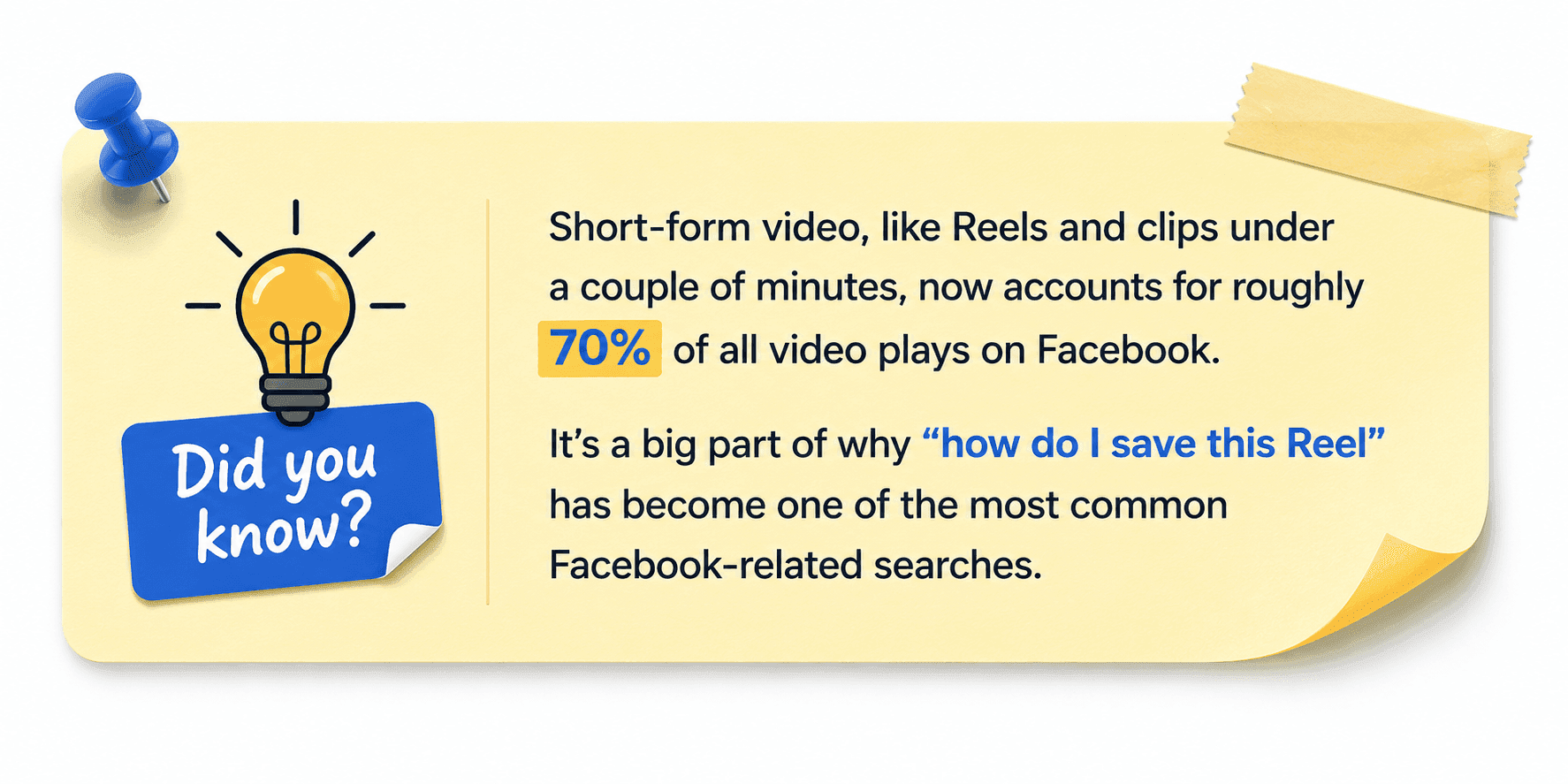
People watch over 8 billion videos on Facebook every day, and roughly 500 million users tune in to video content daily, yet the platform still hasn't built a native "save" button for most of it.
That’s why this guide has been made to solve this problem like others!
As in this guide, you'll learn exactly how to get around that in under a minute, on almost any device. So let’s get started!
What Is a Facebook Video Downloader?
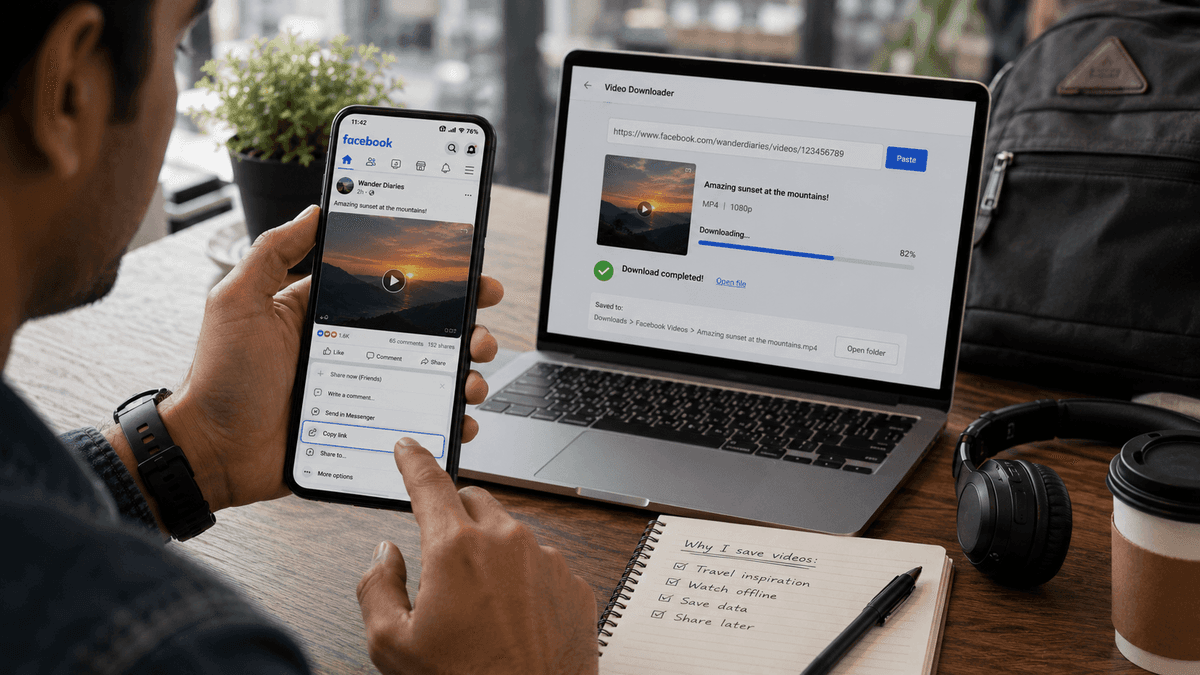
A Facebook video downloader is a free online tool that converts a public Facebook video link into a downloadable file (usually MP4) you can save directly to your phone or computer.
You paste in the video's URL, the tool fetches it from Facebook's servers, and you're given a download button, no browser extension, no login, and no watermark, depending on the tool
These tools exist because Facebook's own app and website only let you watch video, not save it. A video downloader fills that gap by doing the heavy lifting (pulling the video file, offering quality options) that Facebook intentionally leaves out.
Is It Legal to Download Facebook Videos?
Downloading a Facebook video is not automatically illegal, but your reason for saving it and what you do with it afterward both matter.
Saving a public video to watch offline, preserving a family memory, or revisiting a useful tutorial is very different from copying the content and publishing it under your own name.
Copyright or the legal right to a plagiarism penalty, usually remains with the person or organization that created the video. A Facebook post being publicly visible does not mean the footage, music, narration, or graphics are free for anyone to reuse.
A single video may also contain several protected elements, such as a popular song, television footage, or a creator’s original commentary.
For example, saving a workout video so you can follow it later without an internet connection is generally a low-risk use for personal purposes.
Re-uploading the same video to your own page, removing the creator’s name, or using it in a paid advertisement raises much greater legal and ethical concerns.
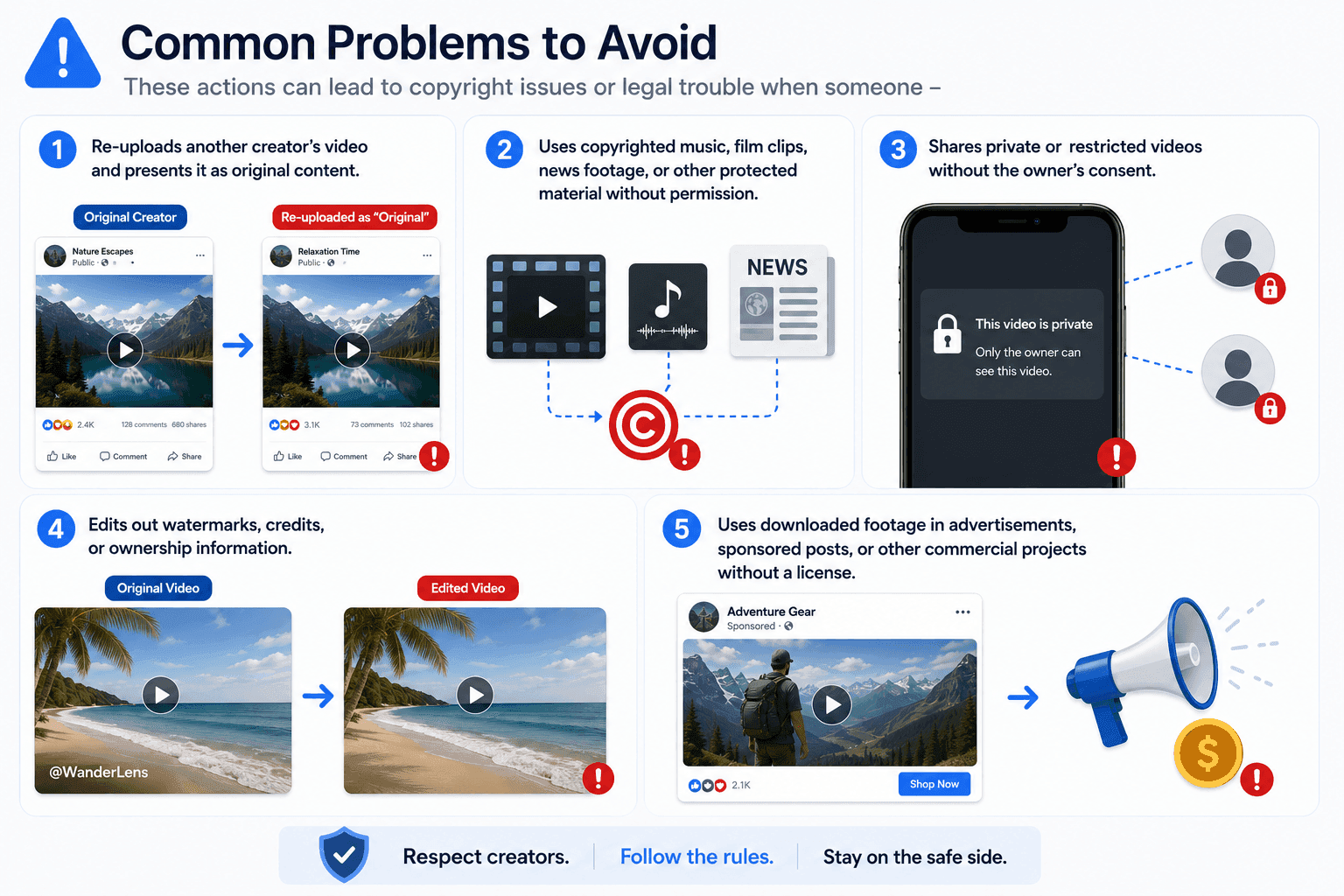
Important: Download only videos you own, have permission to use, or are legally allowed to access. Ask the original creator before reposting, editing, sharing, or using downloaded content commercially.
Can You Download Videos Directly From Facebook?
Facebook does not provide a direct download button for most videos shown in the app or on the website. This means you usually cannot save a public Facebook video as an MP4 file with one click.
The Save video option can be confusing because it sounds like a download feature. In practice, it only adds the post to your saved items so you can find and watch it again later inside Facebook.
The video remains on the platform and is not stored in your phone’s gallery, Downloads folder, or computer.
For example, saving a cooking video on Facebook lets you return to the post later. Downloading it creates a separate file that you can watch offline, move to another device, or keep for personal reference.
To save an actual video file, you generally need to copy the Facebook video URL and paste it into a third-party Facebook video downloader. The tool then processes the link and may offer options such as SD, HD, or MP4, depending on the quality of the original upload.
Quick Tip: If you want to watch a Facebook video without an internet connection, you'll need to download the actual video file, not just save the post inside Facebook.
How to Download Facebook Videos for Free, Step by Step
The good news is that most free Facebook video downloaders, including CopyChecker's, work in much the same way. Once you've done it once, you can repeat the process in under 30 seconds for any public video. Here's the full walkthrough.
Step 1: Find the Facebook Video You Want to Save
Start by opening Facebook in the app, a mobile browser, or a desktop browser. Locate the video you want to download, such as a clip from your own timeline, a public Page, a Group you can access, or a post shared by a friend.
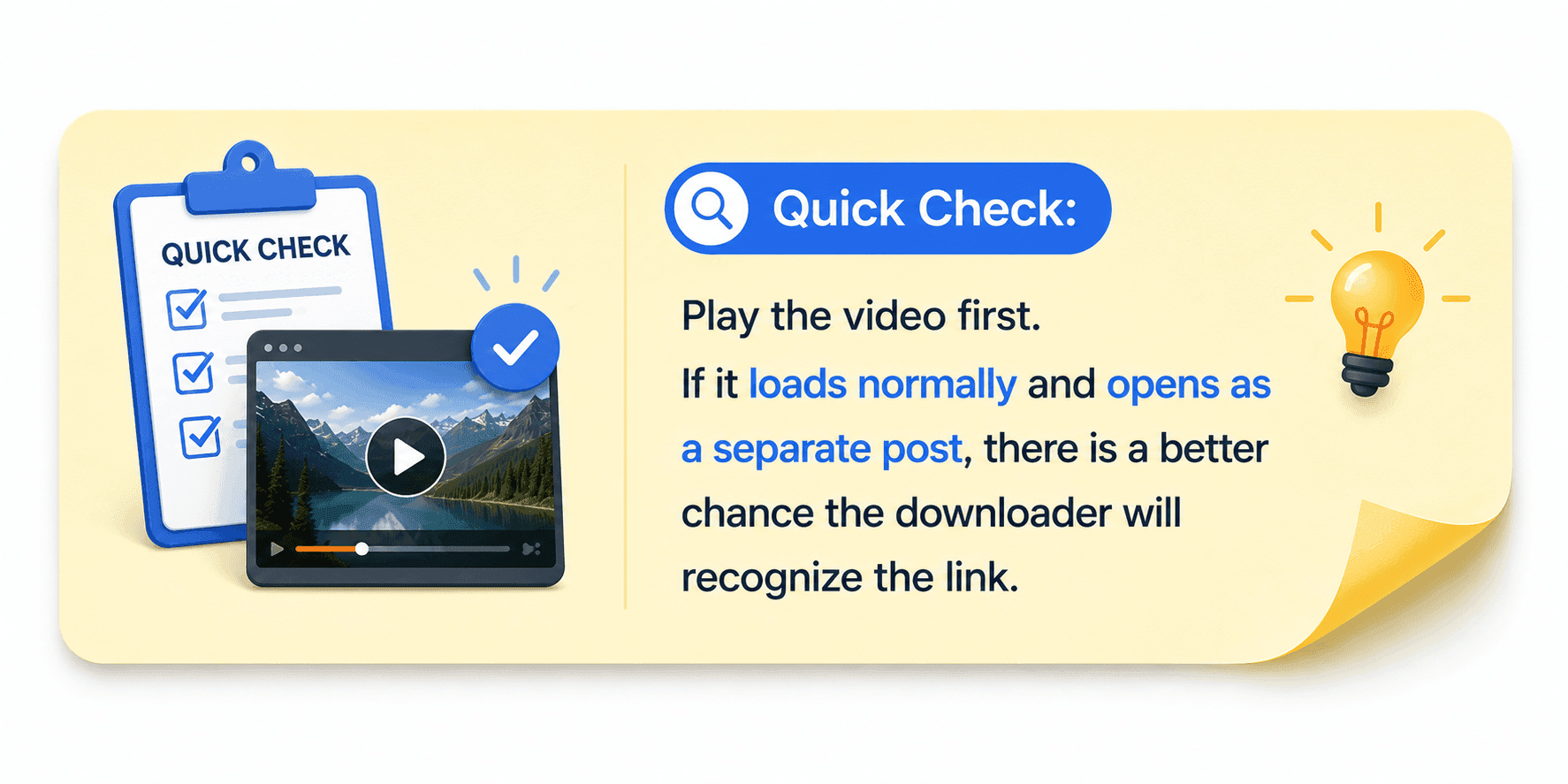
Before copying the link, check that the video is publicly available or visible through your account. A Facebook video downloader can normally process public links, but it cannot bypass privacy settings or access content that has been restricted, deleted, or shared with a limited audience.
Step 2: Copy the Facebook Video URL
The downloader needs the original Facebook video link to find and process the file. The exact steps are slightly different on desktop and mobile, but both methods are quick.
On desktop: Click the three-dot menu in the upper-right corner of the Facebook post, then select Copy link. You can also click the post’s date or timestamp to open the video on its own page and copy the address from the browser bar.
On iPhone or Android: Open the video post, tap the three-dot menu, and select Copy link. Facebook will save the URL to your clipboard so you can paste it into the downloader.
Avoid copying a link from a comment, search result, or unrelated shared page. Using the original post URL usually gives the downloader the clearest path to the video.
Step 3: Open a Free Facebook Video Downloader
Next, open a browser-based Facebook video downloader in a new tab. CopyChecker’s Facebook Video Downloader is designed to handle the process online, so users can save Facebook videos without installing software or creating an account.
A good free Facebook downloader should make the process obvious from the moment the page opens. You should see a clear input box for the Facebook URL and a visible button to process the video.
Before using any tool, check for these signs:
- No forced browser extension or app installation
- No Facebook login or password request
- No mandatory account registration
- Clear HD, SD, or original-quality options
- No repeated pop-ups or confusing redirect pages
Safety Tip: A Facebook video downloader only needs the public video link. It should never ask for your Facebook password.
Step 4: Paste the Facebook Video Link
Click inside the downloader’s input field and paste the URL you copied from Facebook. Then select the button labeled Download, Get Video, or something similar
The tool will read the link and search for the available video file. Processing normally takes only a few seconds, though the exact speed depends on video length, server traffic, and your internet connection.
If the downloader shows an invalid link message, return to Facebook and copy the link directly from the original video post. Private videos, expired links, and deleted posts may not work.
Step 5: Choose Video Quality
Once the link has been processed, the downloader may display several quality options. The best choice depends on how you plan to use the video and how much storage space is available on your device.
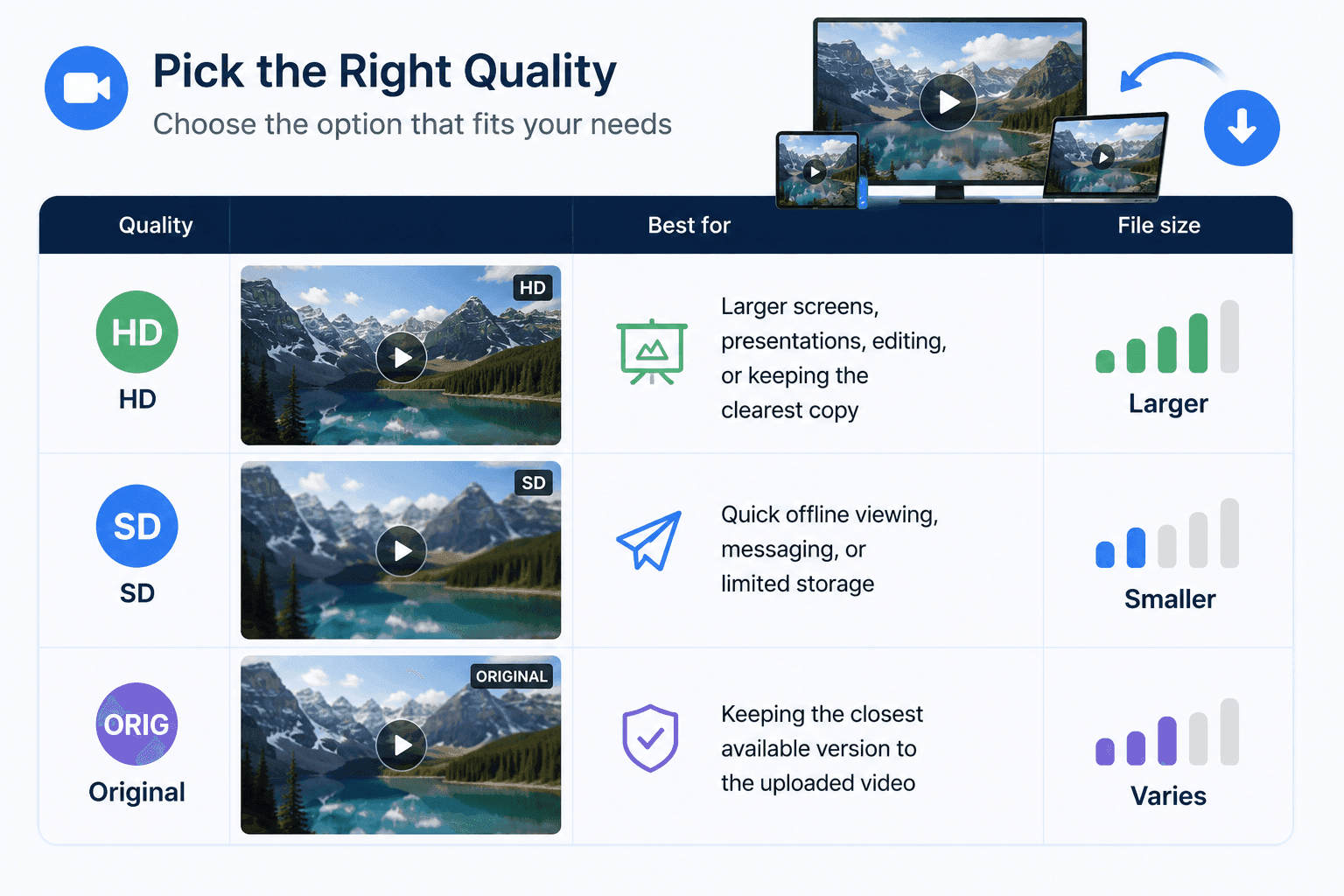
Choose HD or original quality when image clarity matters. SD is more practical when you only need a quick offline copy or want to save mobile data and storage space.
Good to Know: You can reduce a large video file later, but you cannot fully restore detail that was lost in a low-quality download.
Step 6: Download and Get the Video on Your Device
Select your preferred quality to begin the Facebook video download. On a computer, the MP4 file will usually appear in the Downloads folder. On Android, it may be saved in Downloads or the Gallery. On iPhone, the file may first appear in the Files app before you move it to Photos.
Open the downloaded video once to confirm that the picture and sound play correctly. You can now watch it offline, transfer it to another device, or keep it for personal reference.
The entire process can be summarized in one line: copy the Facebook video URL, paste it into a free online downloader, choose the quality, and save the MP4 file.
How to Download Facebook Reels
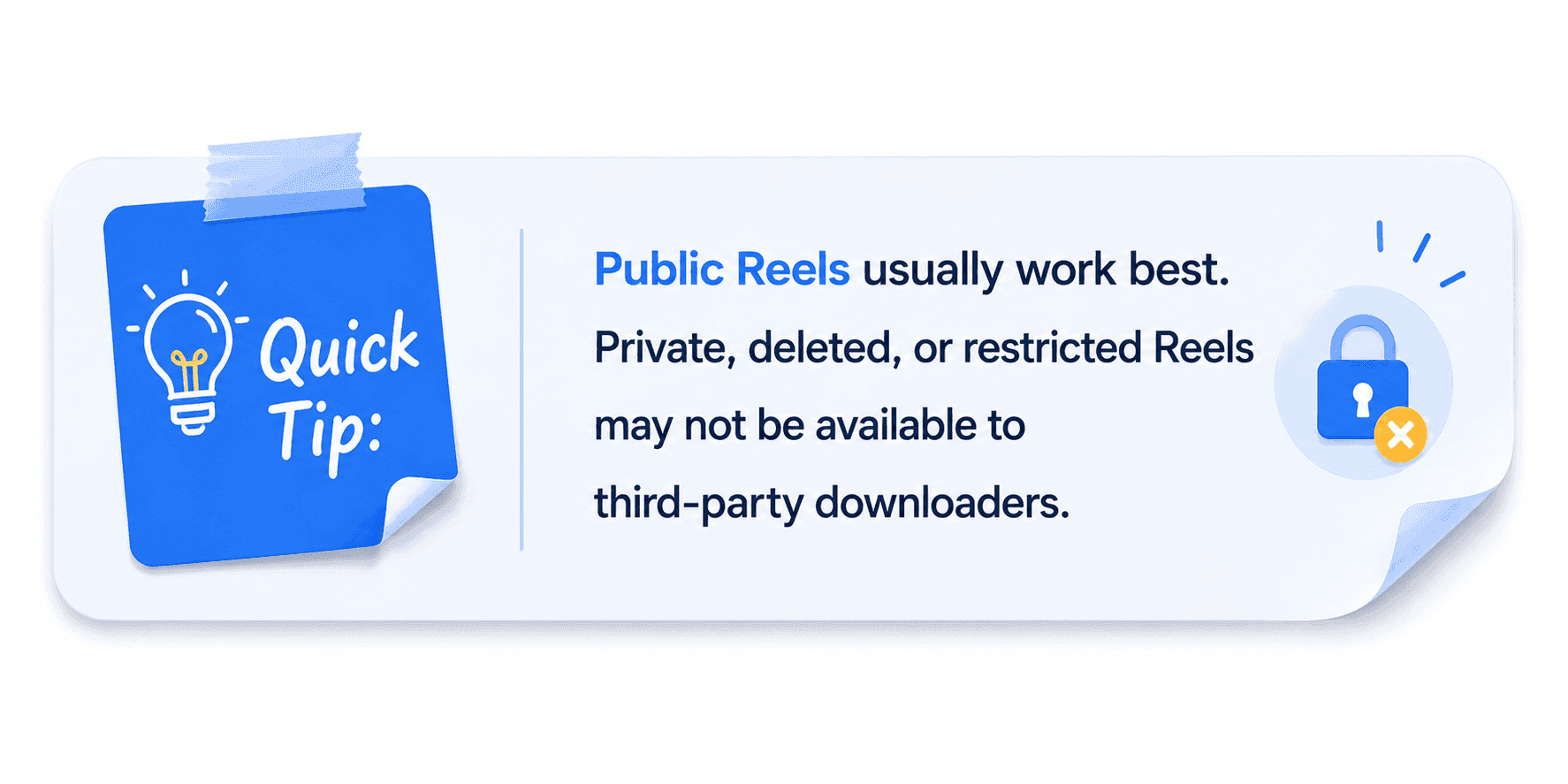
Downloading a Facebook Reel follows the same basic process as downloading a regular Facebook video. The only detail to watch is the link—you need the direct Reel URL, not the creator’s profile or Page.
- Open the Facebook Reel you want to save.
- Tap or click the three-dot menu.
- Select Copy link.
- Paste the Reel URL into a Facebook Reel or Video Downloader.
- Choose the available video quality.
- Download and save the file to your device.
How to Download Facebook Live Videos
Facebook Live videos can usually be downloaded only after the broadcast has ended. Once Facebook processes the replay and turns it into a regular video post, you can use the same link-based method as with any other Facebook video.
- Wait for the live stream to finish.
- Open the saved replay on the host’s profile, Page, or Group.
- Copy the direct video link.
- Paste the URL into a Facebook video downloader.
- Choose the available quality and save the file.
Public replays are the easiest to process. A Live video shared in a private Group or with a restricted audience may not work unless you have permission and direct access.
Why Does a Live Video Link Fail During the Broadcast?
A live stream is still being created as it plays, so there is no complete video file for the downloader to retrieve. Facebook must first end the broadcast, process the recording, and publish the replay.
Remember this: Processing may take a few minutes after the stream ends. If the downloader does not recognize the link immediately, wait a moment and try the saved replay again.
How to Download Facebook Videos on Different Devices
The core steps stay the same everywhere just copy the link, paste it into a downloader, choose your quality, but a few small details shift depending on what you're using. Here's what to expect on each device.
- On Windows: Use any browser (Chrome, Edge, Firefox) to open Facebook, copy the video link from the three-dot menu, and paste it into a browser-based downloader. Downloaded files land in your default Downloads folder unless you choose otherwise.
- On Mac: The process is identical to Windows; Safari, Chrome, and Firefox all work fine with browser-based downloaders. Files save to your Downloads folder, and you can drag them straight into Photos or iMovie afterward.
- On Android: Copy the video link from the Facebook app, switch to your browser, and paste it into the downloader. Most Android browsers will prompt you to save the file directly to your Gallery or a Downloads folder, no extra app required. This matters more than it sounds: over 80% of Facebook users access the platform only from mobile, so for most people, this is the whole process.
- On iPhone & iPad: Copy the link as you do in the Facebook app, then open Safari or Chrome to use the downloader. iOS sometimes opens the video in a new tab instead of saving it immediately. If that happens, tap and hold the video, then choose "Save Video" to send it to your camera roll.
- On Chromebooks: Chromebooks handle this exactly like any desktop browser. Copy the link, paste it into the downloader, and the file will be saved to your Files app, where you can access or move it as needed.
Best Free Facebook Video Downloaders You Can Try in 2026
The best Facebook video downloader depends on how often you save videos, which device you use, and whether you need extra options such as MP3 conversion, private video access, or batch downloads.
Browser-based tools are usually enough for occasional downloads, while desktop software is better suited to users who regularly archive or manage video files.
1. SnapSave
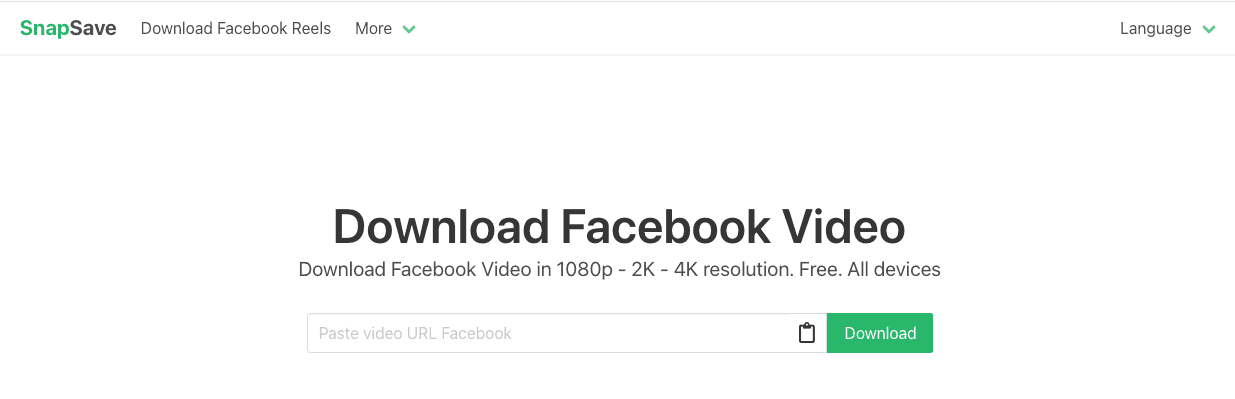
SnapSave is a browser-based Facebook video downloader built around high-resolution output and broad compatibility across devices.
Its official site says it supports Facebook video downloads in Full HD, 2K, and 4K when those qualities are available from the source. It works through mobile and desktop browsers without requiring software installation.
This makes SnapSave useful for people who want a straightforward online tool but still want to keep the clearest available version of a Facebook video.
Key Features
- Supports Facebook video downloads through a browser
- Works on computers, tablets, iPhone, and Android
- Offers Full HD, 2K, and 4K options when available
- Does not require desktop software
- Supports direct Facebook video and Reel links
- Uses a simple copy-and-paste workflow
| Pros | Cons |
|---|---|
| Strong high-resolution support | Higher-quality processing may take longer |
| Works across desktop and mobile devices | Available quality depends on the source video |
| No software installation required | No confirmed batch-download feature |
| Simple for occasional downloads | Primarily focused on public content |
2. FDown.net
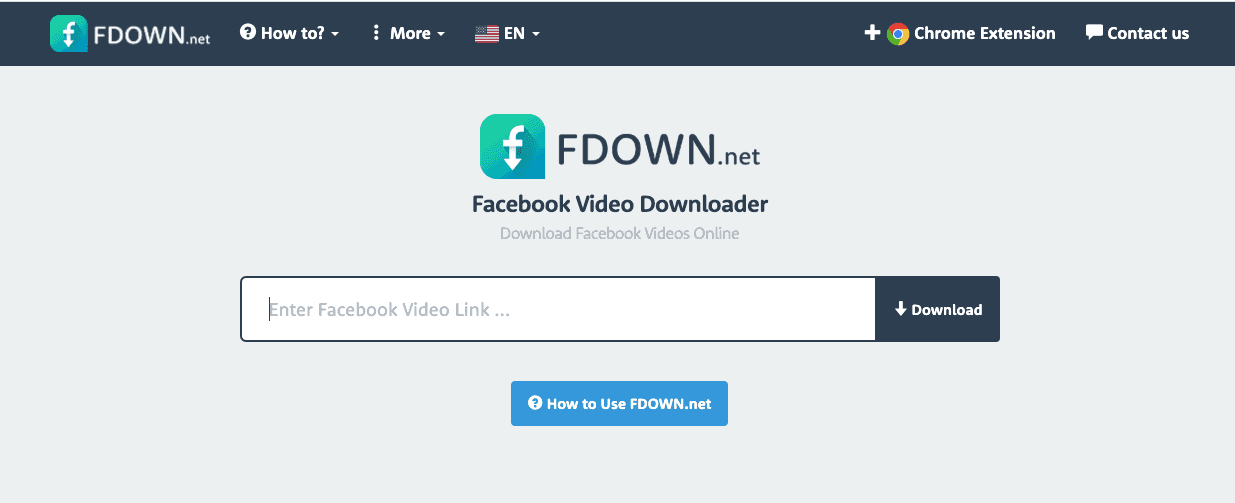
FDown.net is a long-running online Facebook video downloader that generates direct download links from Facebook-hosted videos.
The service provides high- and low-quality options, works without desktop software, and states that it does not host downloaded videos on its own servers.
Its standard downloader is best suited to public videos. Private video downloading is associated with a separate page-source method on some FDown services, which requires more steps and should only be used for videos the user is authorized to access.
Key Features
- Browser-based Facebook video downloading
- High- and low-quality download links
- No software installation required
- No stated download limit
- Fetches files from Facebook’s content delivery network
- Some versions provide a page-source method for accessible private videos
| Pros | Cons |
|---|---|
| Established and easy to access | Interface can feel dated |
| Offers more than one quality option | The private video method is less beginner-friendly |
| No software installation | Generated links may expire |
| Can support authorized private content through extra steps | More advertising than cleaner alternatives |
3. SaveFrom.net
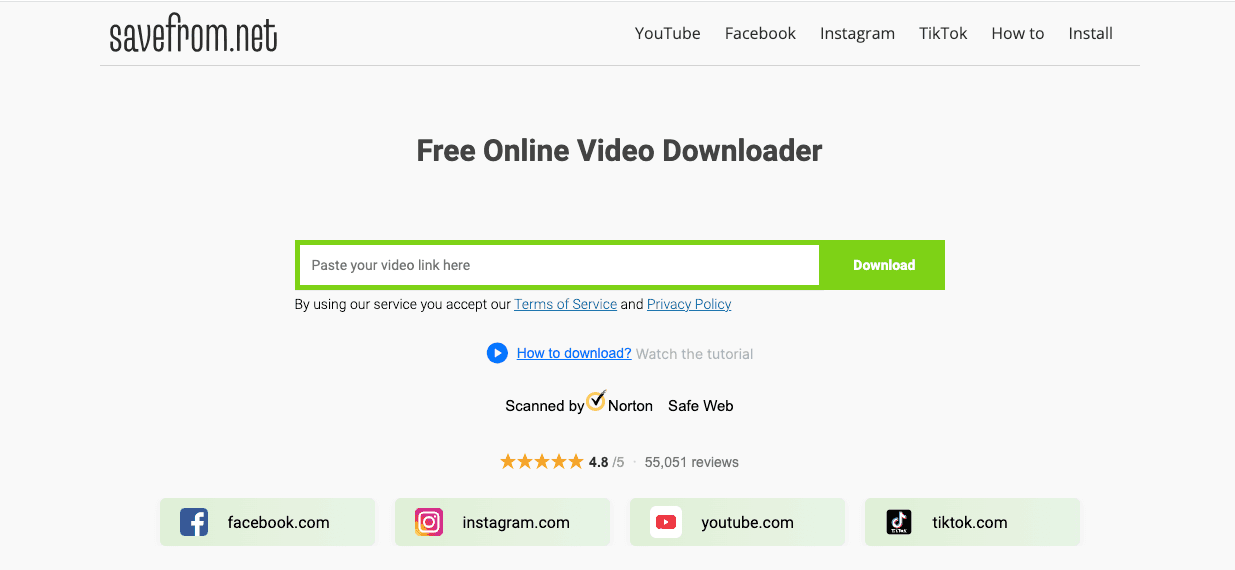
SaveFrom.net is a multi-platform downloader, not a Facebook-only tool. Its browser helper supports more than 100 websites, including Facebook, and can add a download button next to supported media links.
This makes it convenient for users who frequently save videos from multiple platforms, rather than using a separate tool for each platform.
The web and extension experience may differ, so available formats and qualities depend on the platform, browser, source video, and current support.
Key Features
- Supports Facebook and many other media websites
- Offers a browser-helper extension
- Adds download links directly to supported pages
- Works with a browser or download manager
- Lets users choose from the quality options detected for the source
- Useful for people who download from several platforms
| Pros | Cons |
|---|---|
| Broad multi-platform support | The browser extension requires installation |
| Convenient one-click helper | Quality choices vary by source |
| Useful for frequent downloaders | Extension support can vary by browser |
| Reduces the need for multiple downloader sites | More setup than a simple paste-and-download tool |
4. Getfvid
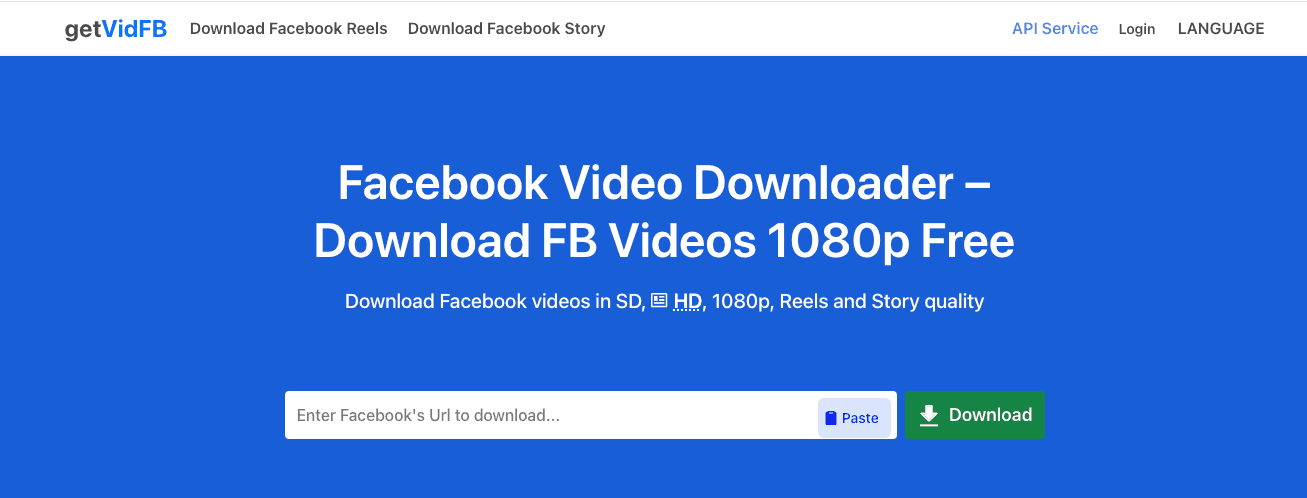
Getfvid is a web-based media downloader that supports Facebook along with numerous other social platforms. Current public listings describe support for MP4 video and MP3 audio, no required registration, and compatibility with computers, tablets, and mobile devices.
A Firefox extension is also available that places a download button below public Facebook videos and redirects users to the Getfvid service. The extension listing states that it does not support private or restricted videos.
Key Features
- Browser-based video downloading
- Supports Facebook and other social platforms
- MP4 video and MP3 audio options
- No account registration required
- Works on desktop, tablet, and mobile devices
- Optional Firefox extension for public Facebook posts
| Pros | Cons |
|---|---|
| Supports both video and audio formats | Private videos are not supported |
| No registration required | Advanced management tools are limited |
| Works across several device types | Browser extension redirects to an external service |
| Useful for quick one-off downloads | Batch processing is not a main feature |
5. 4K Video Downloader
4K Video Downloader Plus is a desktop software for users who need more control than a typical online downloader provides.
Its official site lists Facebook among its supported services and offers features such as a built-in browser, preset download preferences through Smart Mode, audio extraction, and batch-oriented workflows. It is available for Windows, macOS, and Linux.
This tool makes more sense for creators, researchers, or social media teams who regularly save content. For someone downloading a single Facebook video, installing a full desktop program may be unnecessary.
Key Features
- Supports Facebook and several other video platforms
- Available on Windows, macOS, and Linux
- Smart Mode saves preferred quality, format, and destination settings
- Supports video and audio downloads
- Better suited to repeated or batch-style downloading
- Includes paid features alongside free access
| Pros | Cons |
|---|---|
| More control over format and quality | Requires software installation |
| Works on major desktop operating systems | Too feature-heavy for occasional users |
| Helpful for repeated download workflows | Not designed primarily for mobile devices |
6. CopyChecker Facebook Video Downloader
CopyChecker Facebook Video Downloader is being developed as a simple browser-based option for users who want to save Facebook videos without installing software or creating an account.
The planned workflow focuses on keeping the page clean: paste the Facebook video URL, select a supported quality, and download the file.
Since the tool has not launched publicly yet, its final feature set and performance should be confirmed before publication.
Key Features
- Works directly in a web browser
- No account registration planned
- No software or extension required
- Designed to support HD or original-quality output when available
- Clean interface focused on quick downloads
- Intended for desktop and mobile browsers
| Pros | Cons |
|---|---|
| Simple, uncluttered workflow | Not publicly available yet |
| No planned login requirement | Real-world speed and reliability cannot yet be tested |
| No software installation | Final supported formats may change before launch |
| Designed for beginners | Batch downloading is not currently confirmed |
7. Snaptube
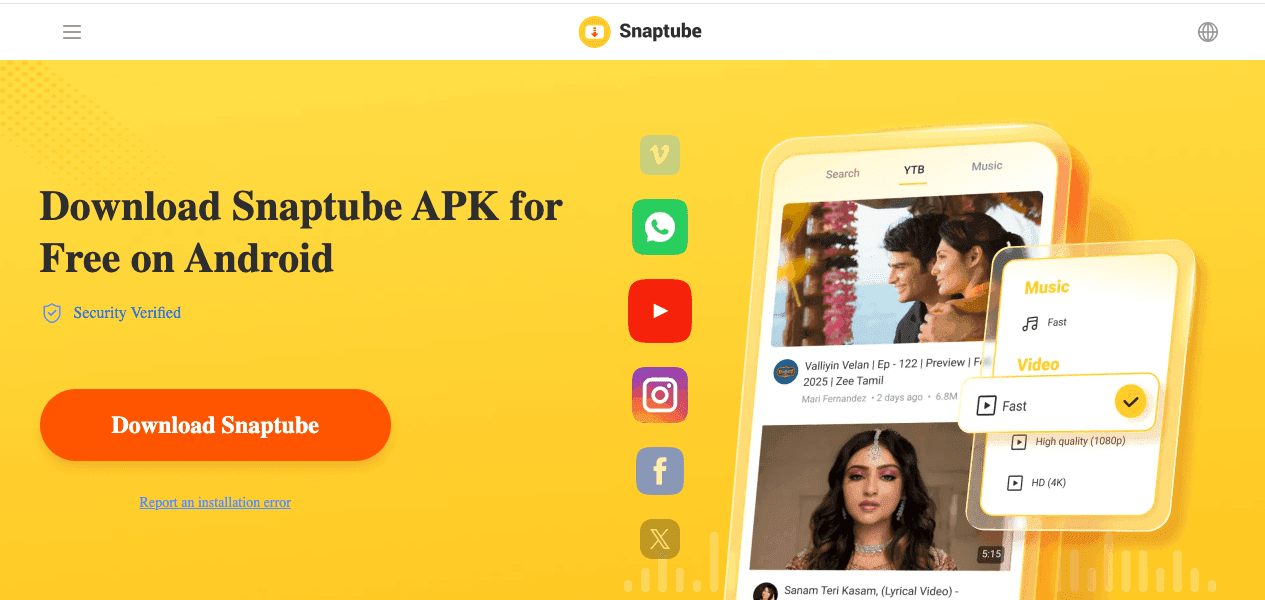
Snaptube is an Android media downloader that combines video downloading, audio extraction, and content discovery into a single application.
It supports multiple social platforms, including Facebook, and offers a range of video resolutions and MP3 and M4A audio formats.
Unlike browser-based tools, Snaptube requires users to install an Android app. It is not distributed through Google Play, and the app has faced past security controversy related to a third-party advertising SDK.
The developer said the problematic SDK was later removed, but users should still verify the source and current version before installing any APK.
Key Features
- Android-based video and audio downloader
- Supports Facebook and other social platforms
- Offers several resolution choices
- Supports MP3 and M4A audio extraction
- Includes built-in content search
- Can manage downloads within the app
- Designed for users who save media frequently on Android
| Pros | Cons |
|---|---|
| Combines video and audio downloading | Android only |
| Supports multiple platforms | Requires APK installation outside Google Play |
| Offers several quality options | Past security controversy may concern users |
| Built-in search and download management | More device permissions than a browser tool |
*FDown.net's private video support requires manually copying page source code, not a simple paste-and-go process.
Browser-based tools without logins or installs like CopyChecker, SnapSave, and Getfvid tend to be the safest and lowest-friction choice for most people. Desktop software and mobile apps earn their keep only if you're regularly downloading in bulk.
Facebook Video Downloader Comparison At A Glance
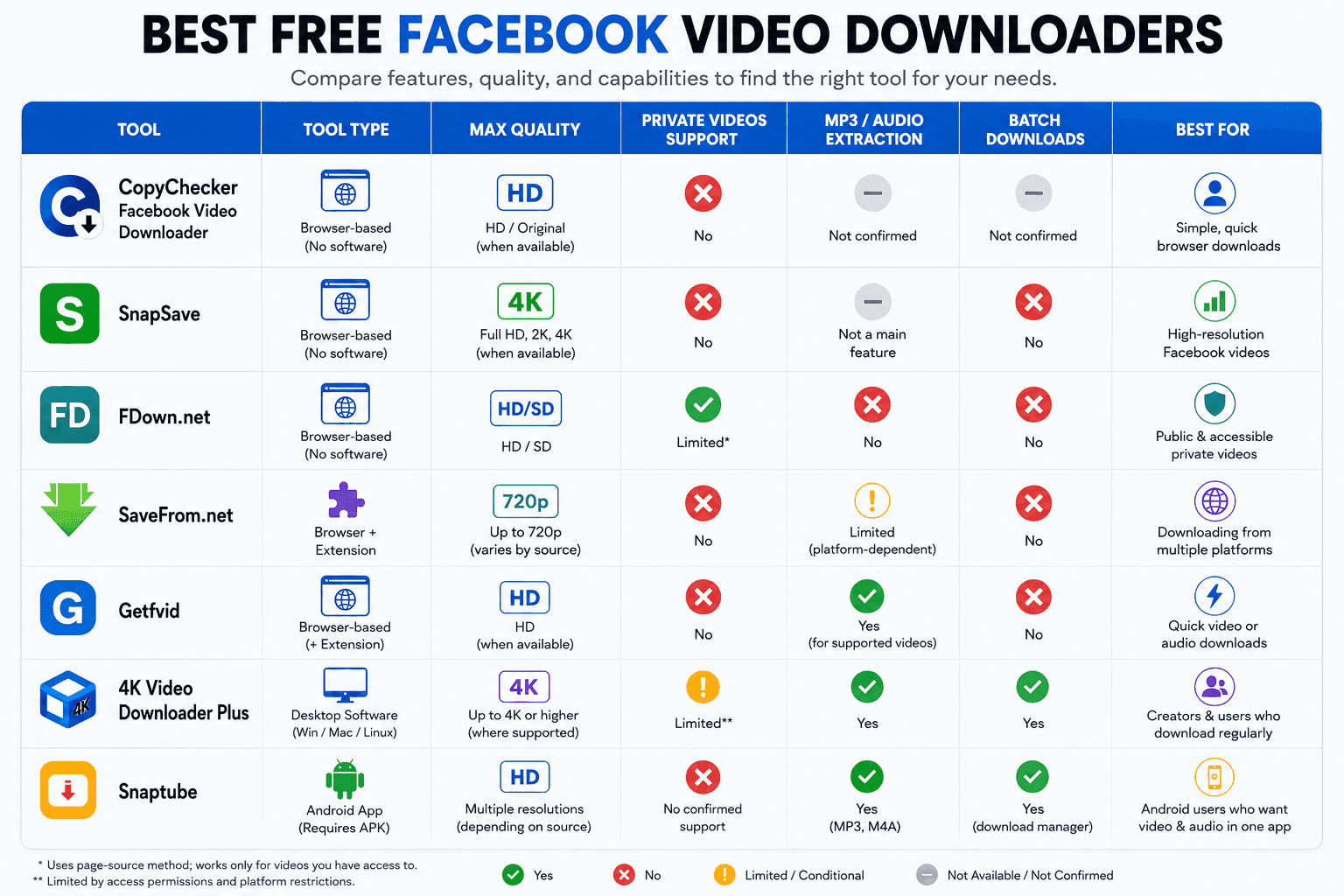
The table below compares the main differences among the tools, including device support, download quality, audio extraction, private video access, and the type of user each option suits best.
Quick Recommendations
- Best Overall: SnapSave, which holds a great balance of speed, video quality, and ease of use.
- Best for High-Quality Downloads: SnapSave, which supports Full HD, 2K, and 4K when available.
- Best for Accessible Private Videos: FDown.net offers a page-source method for supported private videos.
- Best Multi-Platform Downloader: SaveFrom.net works with Facebook and many other popular websites.
- Best for MP3 Downloads: Getfvid lets you download supported videos as audio files.
- Best for Batch Downloads: 4K Video Downloader Plus is ideal for downloading multiple videos on desktop.
- Best for Android: Snaptube combines video, audio, and download management in a single app.
- Worth Watching: CopyChecker Facebook Video Downloader is an upcoming browser-based tool focused on a fast, clutter-free download experience.
Note: The final resolution always depends on the original Facebook upload. A downloader cannot produce true 4K or HD quality when the source video is only available in a lower resolution.
Common Mistakes to Avoid While Downloading Facebook Videos
Most download failures are not caused by the downloader itself. They usually happen because the video link is restricted, the wrong site is being used, or the content is not available for reuse.
Checking the points below can save time and help you avoid unsafe tools.
- The video is private or restricted. Most Facebook video downloaders can only process public links. Friends-only posts, private Group videos, and restricted content are usually blocked by Facebook’s privacy settings.
- The downloader looks suspicious. Avoid sites filled with fake buttons, pop-ups, forced extensions, or login requests. A legitimate downloader should only need the Facebook video URL.
- The video has platform restrictions. Some clips may be unavailable due to regional restrictions, licensed music for not being plagiarized, deleted posts, or other content protections. No reliable downloader can guarantee access to every Facebook video.
- The video is being reused without permission. Downloading for personal reference is different from reposting someone else’s work. Ask the creator before publishing, editing, or using the video commercially.
Frequently Asked Questions on Facebook Video Downloads
Can you download private Facebook videos?
No. Free Facebook video downloaders can only access public videos or those you already have direct viewing access to. Private, friends-only, or restricted videos are protected by Facebook and can't be pulled by third-party tools.
Do I need to install an app to download Facebook videos?
No. Browser-based downloaders like CopyChecker work entirely through your web browser, no app, no extension, no account required.
Will downloading a Facebook video reduce its quality?
Not if you choose HD or original quality during the download process. SD options exist for smaller file sizes, but they aren't your only choice.
Can I download a Facebook video on my iPhone without a computer?
Yes. Copy the video link from the Facebook app, open the downloader in Safari or Chrome, and save the video directly to your camera roll.
Can I get in legal trouble just for downloading a video?
Generally, no, if it's for personal, offline viewing. The risk starts when you republish, monetize, or claim someone else's content as your own.
Is it safe to use free Facebook video downloaders?
Reputable, browser-based tools that don't require logins or app installs are generally safe. Avoid sites with excessive ads, forced downloads, or requests for personal information.
Why can't I download some Facebook videos?
The video may be set to private, restricted to a specific audience, or protected by the uploader's settings. Downloaders can only access content that's publicly viewable.
Final Verdict
Saving a Facebook video should be simple: copy the link, choose the quality, and download the file. You should not have to fight through fake buttons, forced extensions, login requests, or endless pop-ups just to save a public video, Reel, or finished Live replay.
For occasional downloads, a reliable browser-based tool is usually the easiest choice. SnapSave is a strong option for higher-quality output; FDown.net offers more flexibility for certain accessible private videos, and 4K Video Downloader Plus is better suited to people who need batch downloads on desktop.
The best downloader is ultimately the one that works on your device, preserves the quality you need, and keeps the process clear and safe. Whichever tool you choose, download only content you own or have permission to save.
So choose wisely; choose CopyChecker Facebook Video Downloader for the best outcome!