The first time I ran my own writing through a free AI detector, I panicked a little. It flagged nearly half my content as AI-generated content. That moment I learnt that not all AI content detectors are built the same. Some are sharp, and some are sloppy.
So I spent time testing the most popular free AI detection tools available. I ran real content through each one, compared the results, and put together this list so you can get straight to the tool that works for you.
This guide covers the best free AI detector tools in 2026, helping students, educators, writers, and editors identify AI-generated content.
What Is an AI Detector?
An AI detector is a tool that analyzes text and determines whether it was written by a human or generated by an AI model such as ChatGPT, Claude, or Gemini. Think of it like a lie detector test — but for writing. It doesn't know for certain. It makes a calculated guess based on how AI detectors work — reading patterns in word choices, sentence rhythm, and overall structure. When you paste in text and hit scan, the tool looks at things like:
- How predictable the word choices are
- How varied the sentence lengths are
- How the writing flows
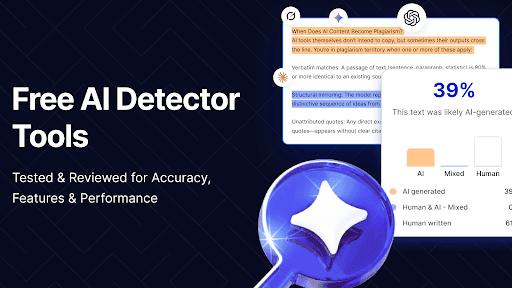
The result is a percentage likelihood, something like 78% AI or 91% human. That number is useful, but it is not the final word on anything.
How Do AI Detectors Work?
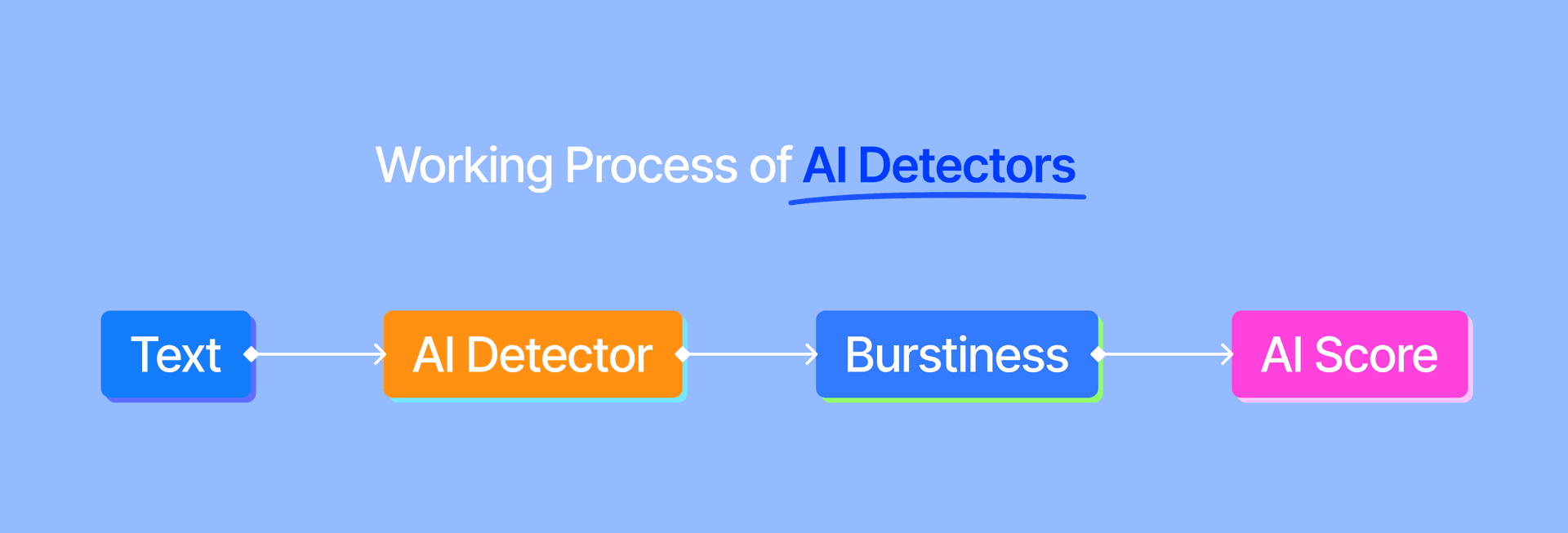
AI detectors work by analyzing text patterns, language predictability, sentence structure, and word choices to estimate whether content was written by a human or generated by AI. Most AI text classifiers are trained on large amounts of both human and AI-written content. Some of the most common signals include:
- Perplexity – how predictable the writing is
- Burstiness – variation in sentence structure and length
- Pattern recognition – repeated phrases and language habits
- Probability scoring – likelihood of AI involvement
- Language consistency – uniform writing styles
When you detect AI writing, the tool is actually asking: "Does this text look too neat? Too predictable? Too clean?" The better tools on this list go deeper than a single score. They do sentence-level analysis and highlight text to show you exactly which parts triggered the detector. And unlike a plagiarism checker, which looks for copied content from existing sources, an AI detector is focused purely on how the text was constructed.
How We Tested and Selected These Tools
I did not just pull a list from search results. I actually ran tests across four types of content for each tool. For each tool, I tested:
- Fully AI-generated text (straight from ChatGPT, Claude, and Gemini)
- Fully human-written text (my own writing, old articles, student essays)
- Mixed content (AI draft + human editing)
- Paraphrased AI text (run through rewriting tools)
Each tool was tested multiple times across different content types. Here's what mattered most in my evaluation:
- Accuracy: Does it correctly identify AI vs. human content?
- Low false positive rate: Does it wrongly flag human writing as AI?
- No sign-up required (for the free tier)
- Word limit per check: How generous is the free plan?
- Ease of use: Can you just paste in text and go?
- Supports ChatGPT, Claude & Gemini detection
Comparison Table Between AI Detectors
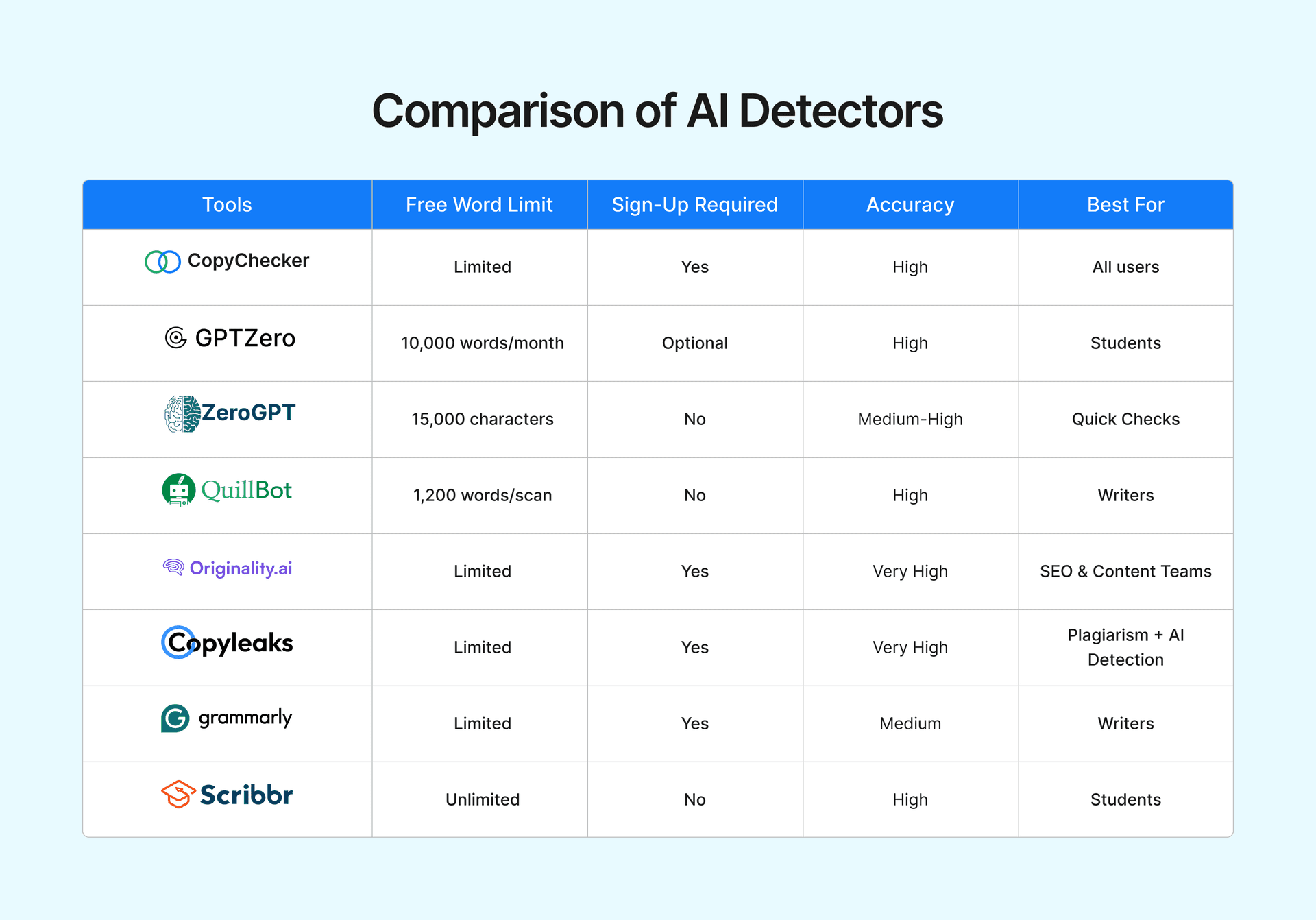
Choosing the right AI detector can be difficult because each tool uses different detection methods and accuracy models. The comparison table below highlights the strengths and limitations of the most popular AI detectors.
| Tool | Free Word Limit | Sign-Up Required | Accuracy | Best For |
|---|---|---|---|---|
| CopyChecker | Limited | Yes | High | All users |
| GPTZero | 10,000 words/month | Optional | High | Students |
| ZeroGPT | 15,000 characters | No | Medium-High | Quick Checks |
| QuillBot AI Detector | 1,200 words/scan | No | High | Writers |
| Originality.AI | Limited | Yes | Very High | SEO & Content Teams |
| Copyleaks | Limited | Yes | Very High | Plagiarism + AI Detection |
| Grammarly AI Detector | Limited | Yes | Medium | Writers |
| Scribbr | Unlimited | No | High | Students |
8 Best Free AI Detector Tools in 2026
Not all AI detectors deliver the same results. Some focus on accuracy, while others prioritise speed, usability, or additional writing features. Let's take a closer look at the 8 best free AI detector tools available in 2026.
CopyChecker — Best For AI Detection
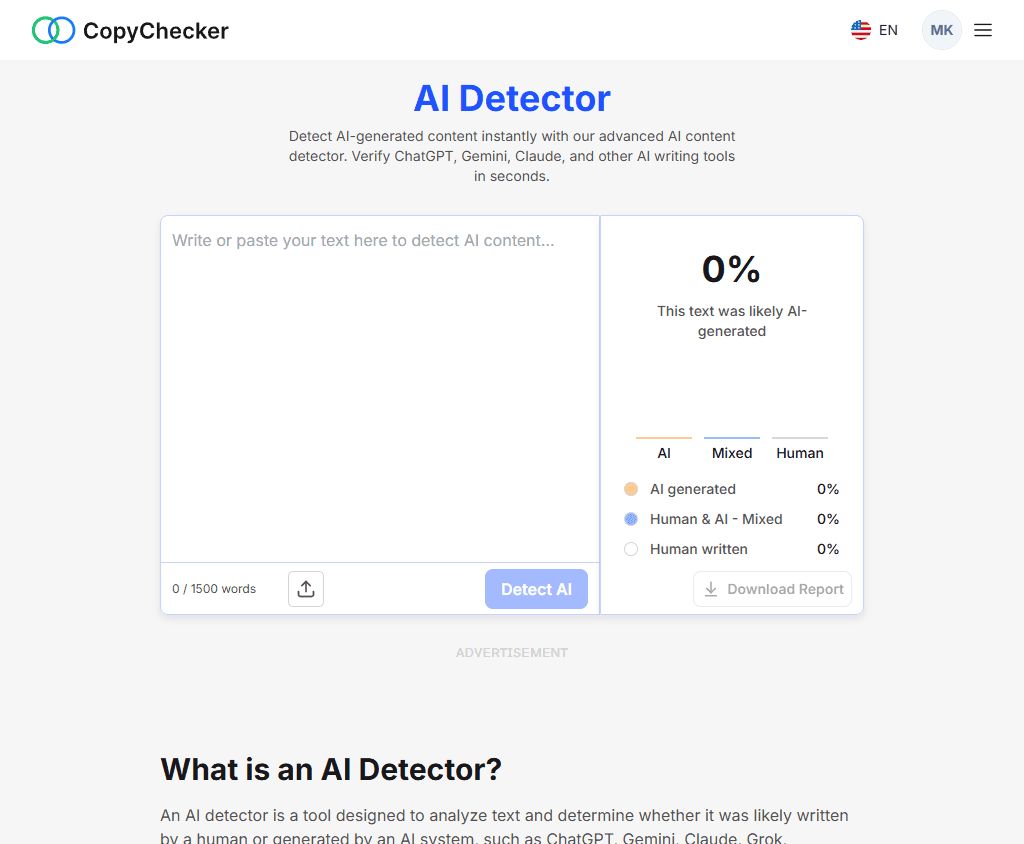
CopyChecker is one of the most practical free AI detector tool available today. It offers limited checks and delivers results in just a few seconds. During testing, it performed well on both AI-generated and human-written content. You land on the page, paste in text, hit the button, and get a clean result. It’s that simple.
It gives you a percentage likelihood for AI-generated content with a clear breakdown of flagged sections. The interface is clean, quick, and straightforward to use, even if you have never used an AI detection tool before.
Pros:
- Completely free with easy access
- No sign-up required, just paste and go
- Works across ChatGPT, Claude, and Gemini
- Fast results with a clear percentage score
- Clean and simple interface
Cons:
- No sentence-level highlight breakdown yet
- No plagiarism check bundled in
- Limited advanced features compared to paid tools
GPTZero — Best for Students
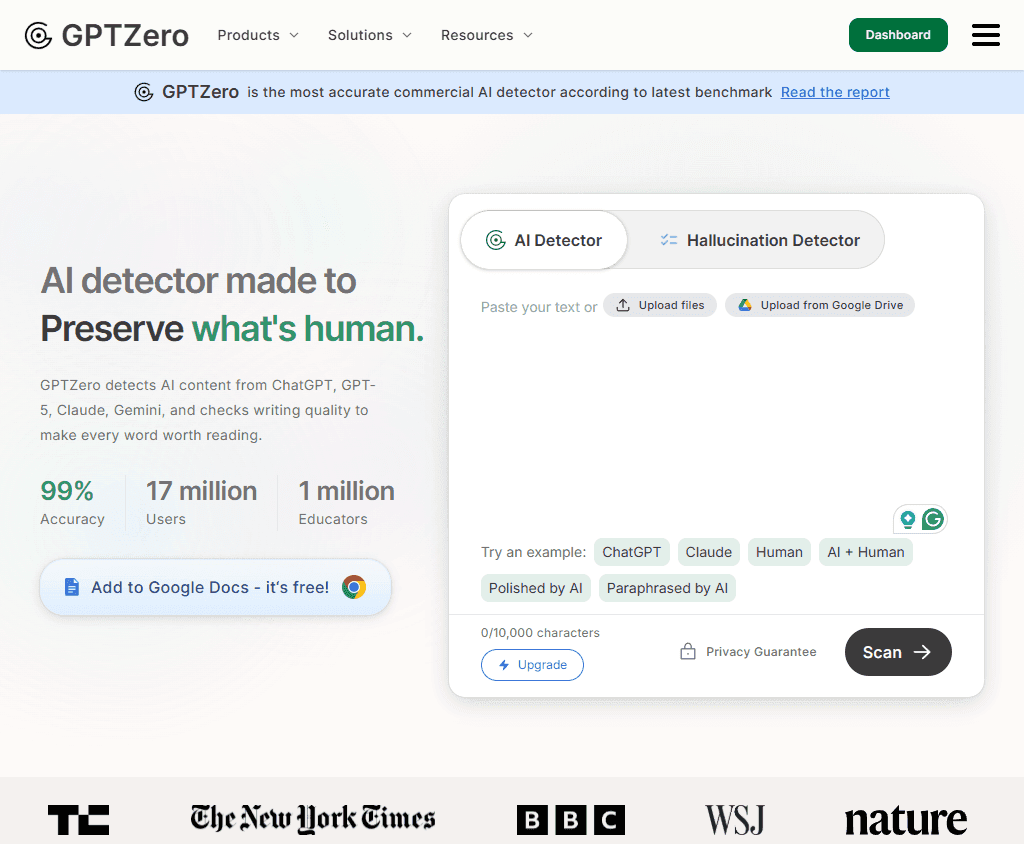
GPTZero was one of the first AI text classifiers built specifically for educators, and that focus shows in everything from the interface to the feature set. It gives you sentence-level highlighting, document upload, and a writing feedback mode designed around reviewing student work. In testing, it was one of the most accurate free tools I used.
Pros:
- Sentence-level AI probability breakdown
- Works on ChatGPT, GPT-4, Gemini, Claude, and Llama
- Integrates with Google Classroom and Canvas
- Strong accuracy, better than most tools for educational content
- Supports document uploads
Cons:
- 10,000-word monthly limit on the free plan
- Sign-up required for full access
- Struggles with heavily humanized AI text
- Mixed content detection is its weakest area
ZeroGPT — Best for Quick Checks
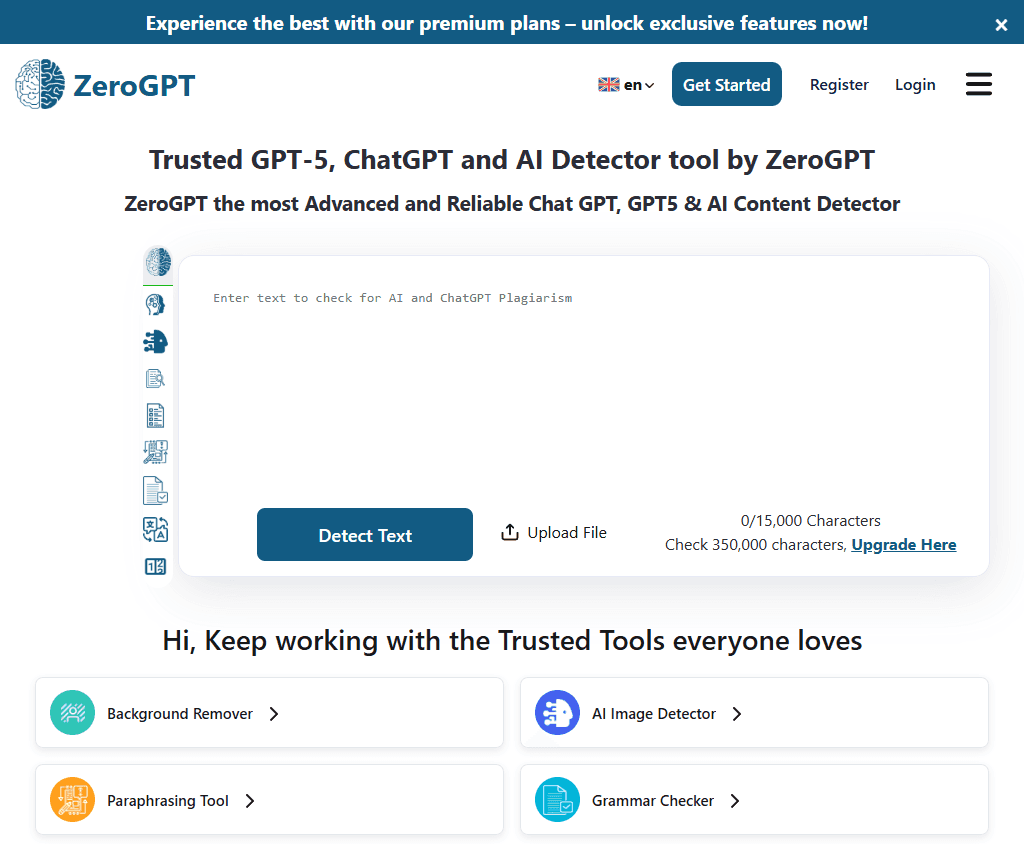
ZeroGPT is one of the easiest AI detectors to use. It uses perplexity and burstiness scoring and gives you an overall score as a percentage likelihood with sentence-level highlights on suspected AI content.
Where it falls short is in mixed or paraphrased content. If someone has lightly edited AI writing before submitting it, ZeroGPT can miss it. But for a first-pass check on unedited content, it is fast and reliable.
Pros:
- No sign-up required, instant use
- 15,000-character free limit per check
- Fast results with sentence highlighting
- Simple and clean interface
Cons:
- Less accurate on paraphrased or humanized AI text
- No document upload on the free tier
- No plagiarism detection
- Higher false positive rate on formal writing styles
QuillBot AI Detector — Best Free Option with Writing Suite
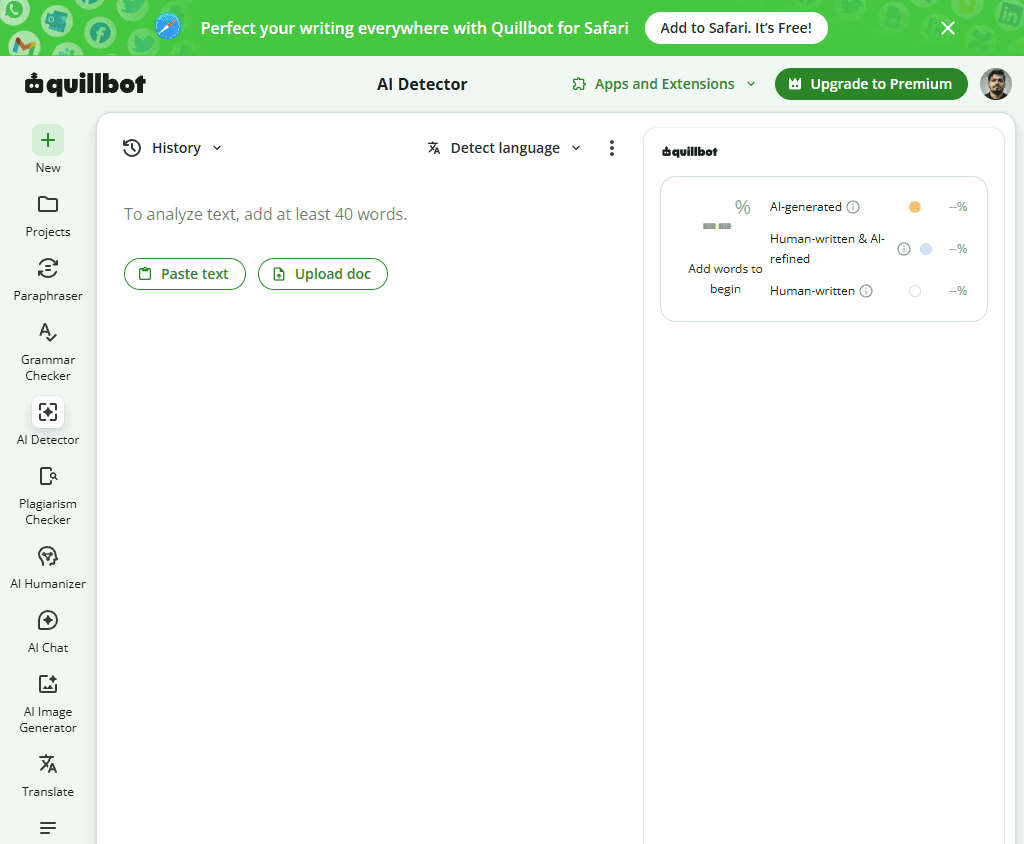
QuillBot is best known as a paraphrasing tool, which makes their free AI detector slightly ironic. It scans up to 1,200 words per check with 6 scans per day on the free plan. In testing, it detected GPT-3.5 and GPT-4 content with solid accuracy and had a notably low false-positive rate for human writing.
Pros:
- High accuracy, especially for GPT-3.5 and GPT-4 content
- Low false positive rate on human writing
- Part of a full writing toolkit
- No sign-up required for basic use
- Clear and readable results
Cons:
- 1,200 word limit per scan on the free tier
- Only 6 scans per day for free users
- No sentence-level breakdown
- The paraphrasing connection raises some credibility questions
Originality.AI — Best for Content Marketers & SEO
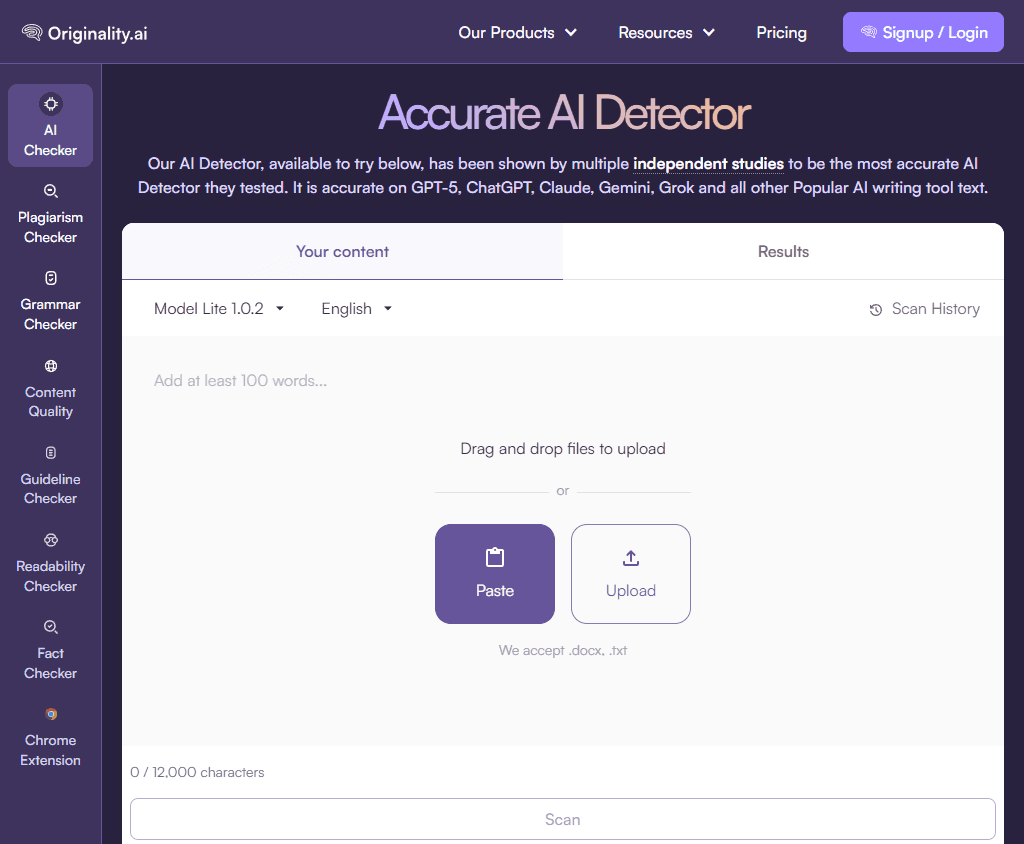
Originality.AI is primarily a paid tool. But it earns its place on this list because, for content marketers and SEO professionals, it provides good results.
The AI content detection accuracy is among the highest I tested. It goes well beyond basic detection, giving you readability scores, plagiarism checks, and a fact-checking feature built for teams that publish content at scale. It also does a good job of identifying the use of paraphrasing tools in submitted content, which most free tools miss entirely.
Pros:
- Among the most accurate AI detectors tested
- Combines AI content detection with plagiarism checking
- Fact-checking and readability scoring included
- Detects the use of paraphrasing tools in content
- Built for content teams and agencies
Cons:
- Very limited free credits, mostly a paid product
- Sign-up required
- Can produce false positives in formal or technical writing
- Overkill for personal or casual use
Copyleaks — Best for Plagiarism
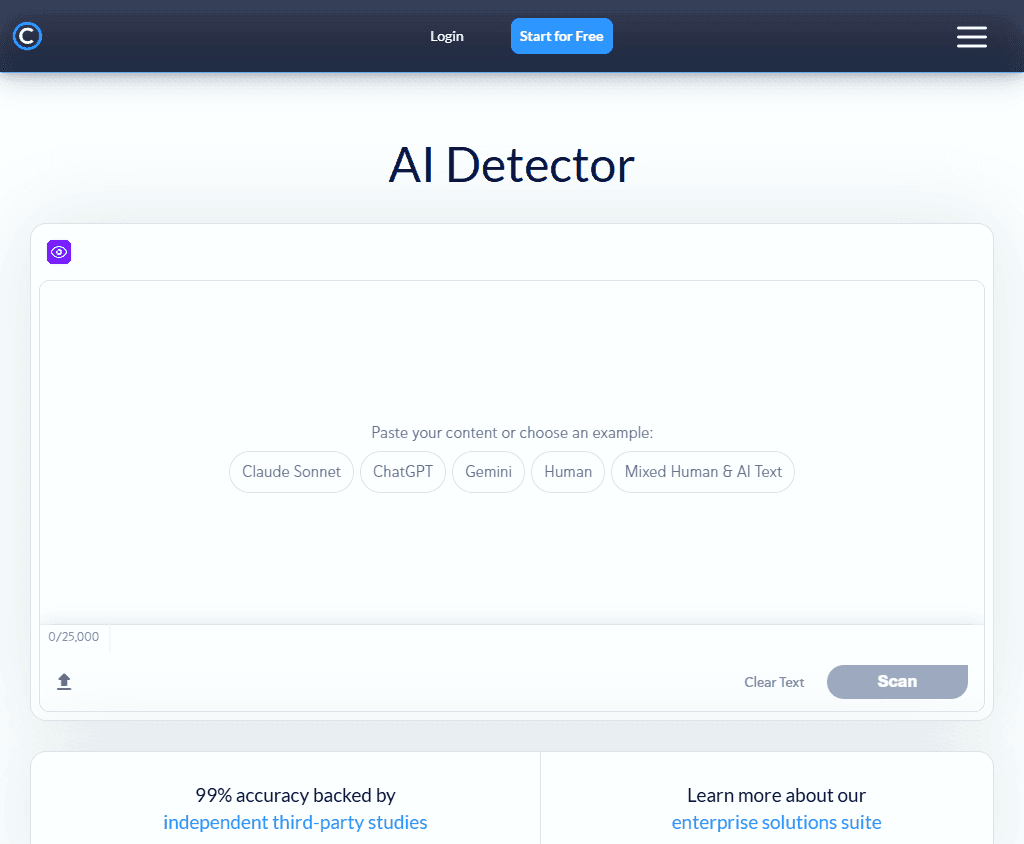
Copyleaks does two things very well. It detects AI-generated content, and it checks for plagiarism. In testing, it handled paraphrased AI content better than most free tools, correctly flagging text that had been run through rewriting tools.
It supports over 30 languages, which makes it one of the most versatile options on the list. The browser extension lets you highlight text and scan it directly inside Google Docs and other web editors.
Pros:
- AI content detection and plagiarism check in one tool
- Supports 30+ languages
- Detects the use of paraphrasing tools effectively
- Browser extension for in-editor scanning
- Trusted by academic institutions
Cons:
- Free tier is quite limited in scan credits
- Sign-up required
- Interface can feel complex for new users
- Slower than simpler tools
Grammarly AI Detector — Best for Writers
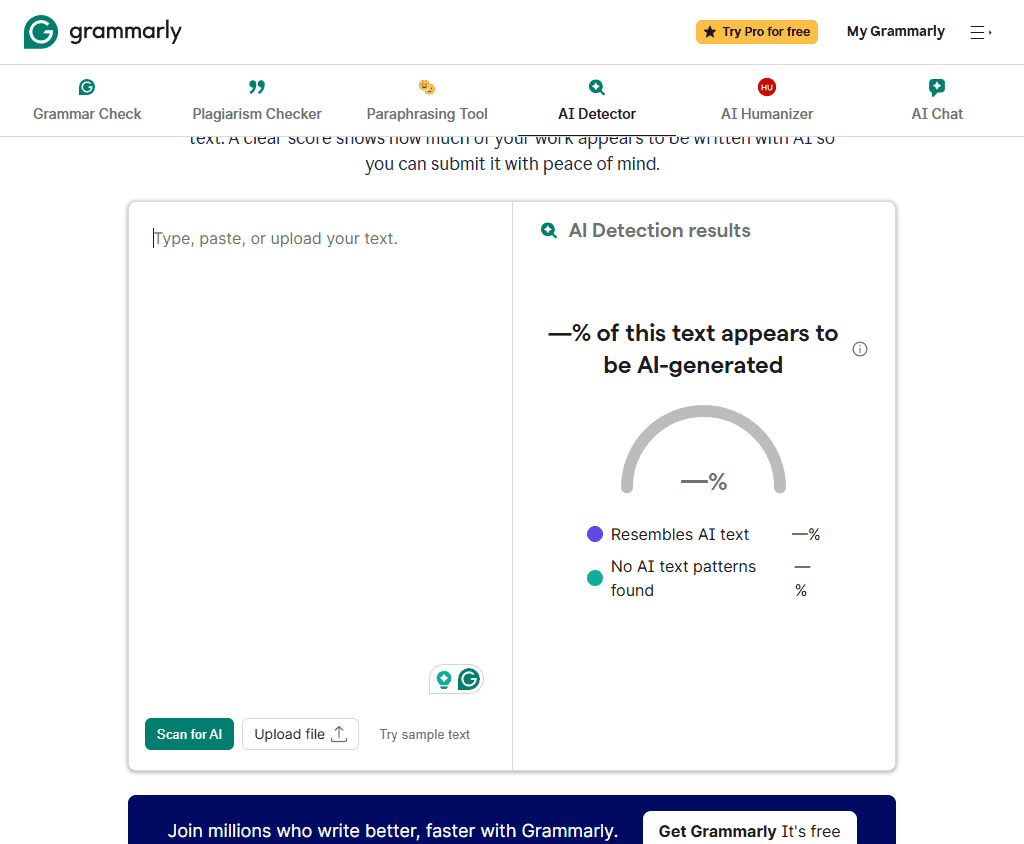
Grammarly needs no introduction. It is the writing and grammar tool millions of people already use every day. The AI detection feature came later, and while it is not the most powerful standalone detector, it is extremely convenient.
The integration is smooth. As you write or edit inside Grammarly, it flags suspected AI-generated content in context without requiring you to open a separate tool. It is less of a paste-and-scan experience and more of a live writing companion.
Pros:
- Seamlessly built into the writing workflow
- No separate tool to open
- Clean flagging of suspected AI-generated content
- Trusted brand with strong privacy standards
- Good for casual checks while writing
Cons:
- Limited access on the free Grammarly plan
- Not accurate enough for mixed or paraphrased content
- Detection feels secondary to Grammarly's main features
- Requires a Grammarly account
Scribbr — Best for Students & Academics
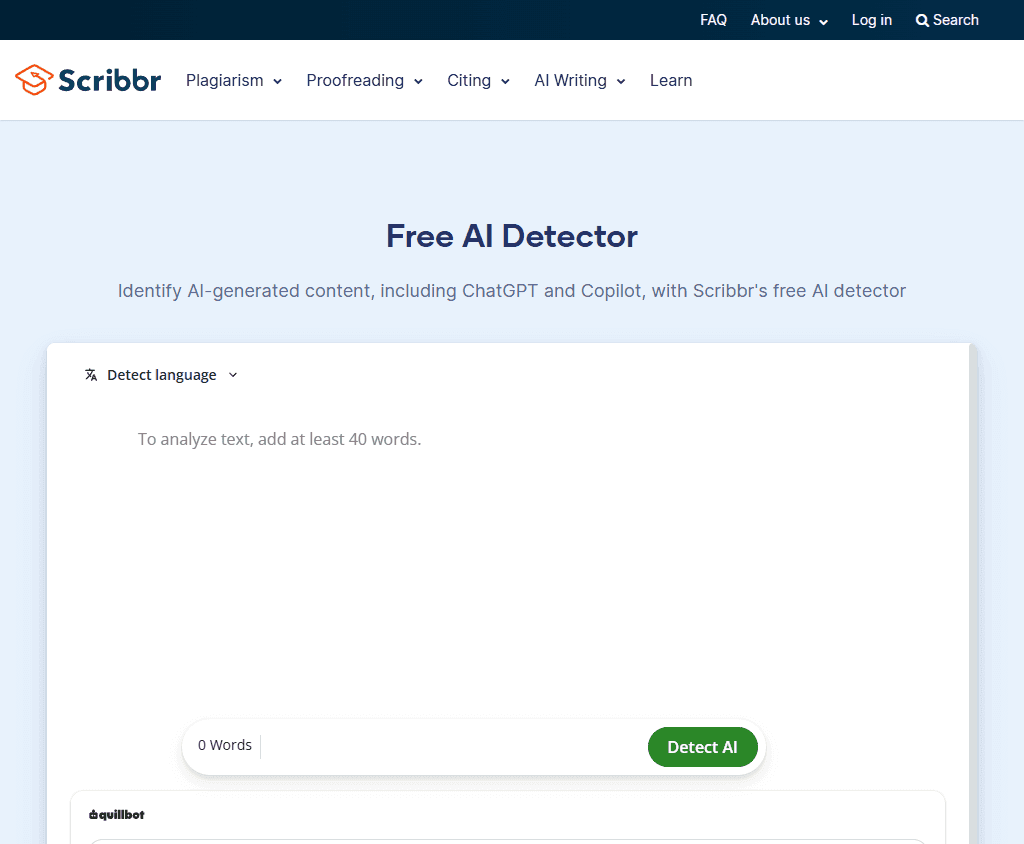
Scribbr built its name on academic editing and citation tools. Their AI content detector fits naturally into that world, and it performs well.
In independent testing, Scribbr's free detector correctly identified 78% of testing texts, making it one of the most accurate free tools available. It handles both fully AI-generated and mixed content reasonably well.
The standout feature is that there is no word limit on the free detector. You can upload an entire essay and scan the whole thing in one go, which gives you an unlimited number of checks at no cost.
Pros:
- No word limit on free scans
- High accuracy, one of the most accurate free options tested
- Clean and student-friendly interface
- Works well for academic writing styles
- No sign-up required
Cons:
- Plagiarism check requires a paid plan
- Not designed for marketing or SEO content
- Less effective on heavily paraphrased AI text
- No sentence-level breakdown on the free tier
Limitations of AI Detectors
AI detectors can be helpful, but no tool can guarantee 100% accurate results. Even the best AI detectors make mistakes when analyzing complex or edited content.
One of the biggest challenges is the false positive rate. Sometimes human-written content may be flagged as AI-generated, especially if the writing is formal, predictable, or highly structured.
Modern AI writing tools are also becoming more sophisticated. Content that has been edited by a human or rewritten using paraphrasing tools can be much harder to detect accurately. Common limitations include:
- False positives on human-written text
- Difficulty detecting heavily edited AI content
- Different results across different tools
- Challenges with mixed AI-and human texts
- Rapid improvements in AI writing models
For this reason, AI detection results should be treated as a helpful indicator rather than final proof. Human review is still important, especially for academic, professional, and publishing decisions.
Frequently Asked Questions
Which Free AI Detector Is More Accurate?
CopyChecker's AI Checker, GPTZero, and Scribbr are among the most accurate AI detector tools available today. Each tool uses different AI detection models, so comparing results from multiple AI content detectors often provides the most reliable assessment.
Is There a Free AI Detector with No Word Limit?
Yes, some free AI detector tools offer unlimited or very generous usage limits. CopyChecker AI Detector, for example, allows users to check AI-generated content for free and provides an accurate result within a short time.
Is 40% AI Detection Bad?
No, a 40% AI score does not automatically mean content was written by AI. Most AI detectors simply estimate the likelihood that text contains AI-generated patterns, so results should be reviewed alongside the content itself.
Can AI Detectors Catch Humanized AI Content?
AI detectors can sometimes identify humanized AI content, but accuracy varies. When AI-generated text is heavily edited or rewritten using paraphrasing tool, it becomes harder for even the best AI detectors to recognise.
Do AI Detectors Store My Content?
Some AI detector tools may temporarily process or store submitted text, while others prioritise privacy and data protection. Always review the privacy policy before uploading sensitive or confidential documents.